About this widget
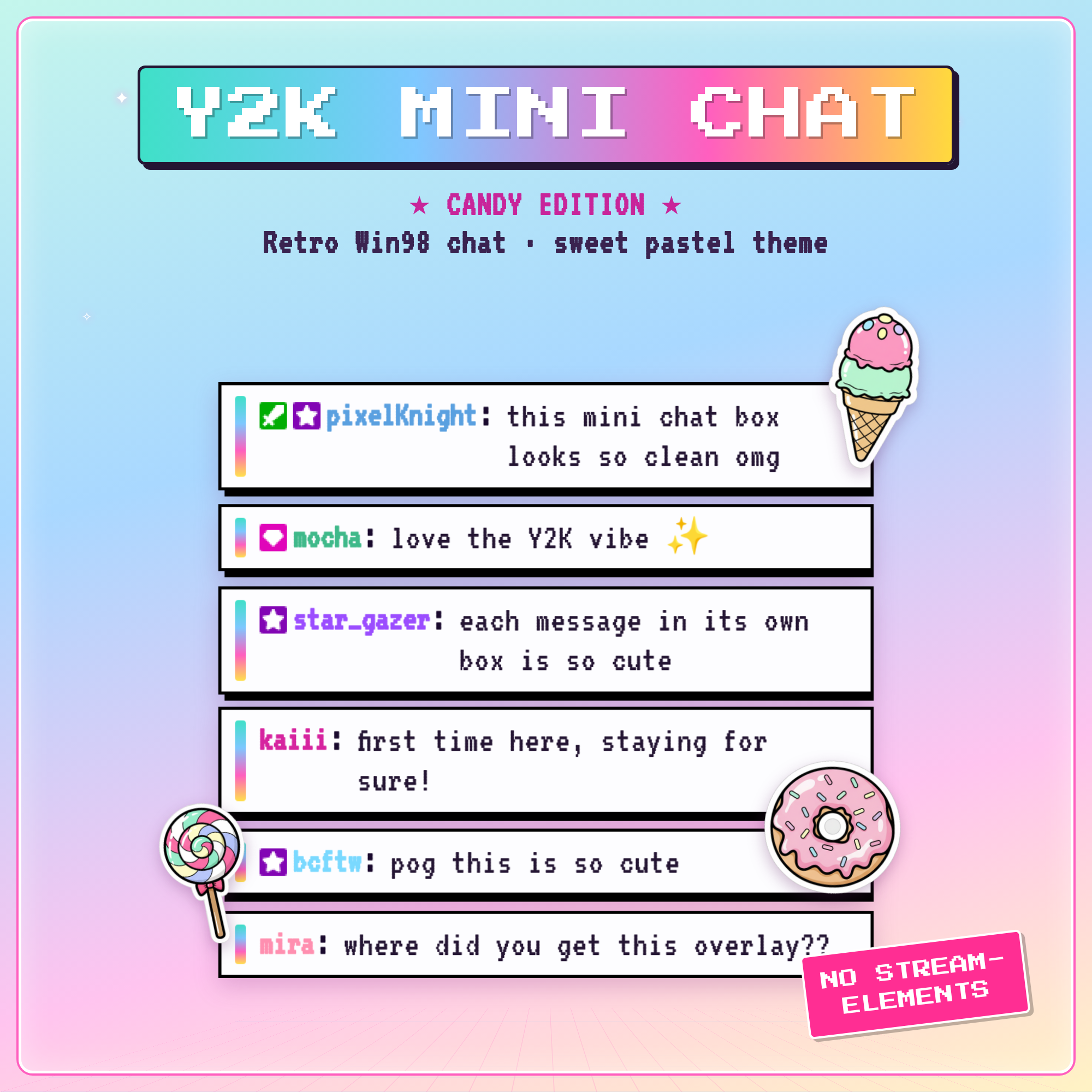
★ CANDY Y2K MINI CHAT BOX ★
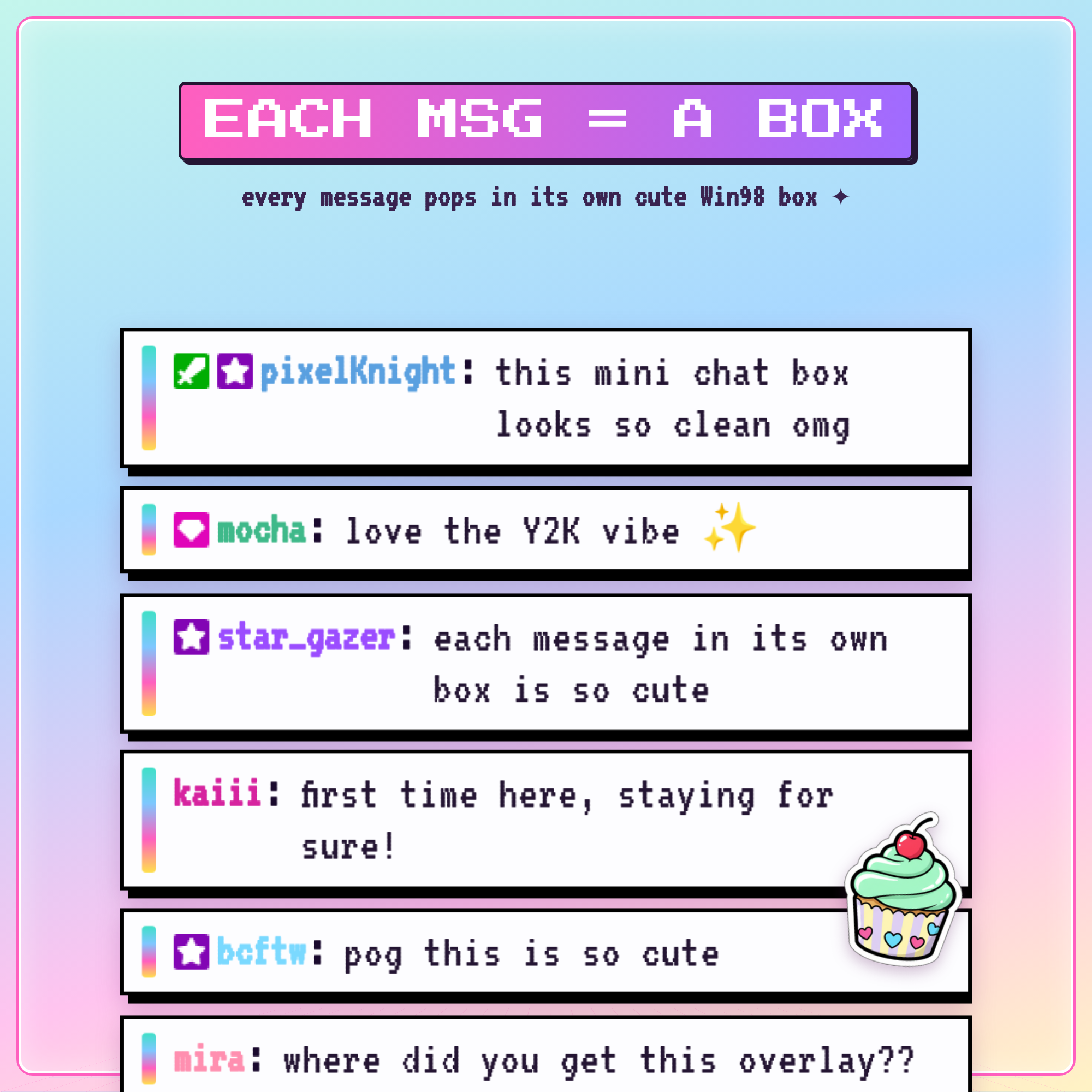
Give your stream that sweet pastel Y2K look! A cute animated Twitch chat overlay where EACH message pops up in its own little Windows-98 box — now in a brand-new bright CANDY theme, with a matching set of sugary stickers that bounce in as your chat reacts. 🍭
★ NO STREAMELEMENTS NEEDED ★
No StreamElements account, no bot, no login. It reads your Twitch chat anonymously — just paste your link into an OBS Browser Source and you're live.
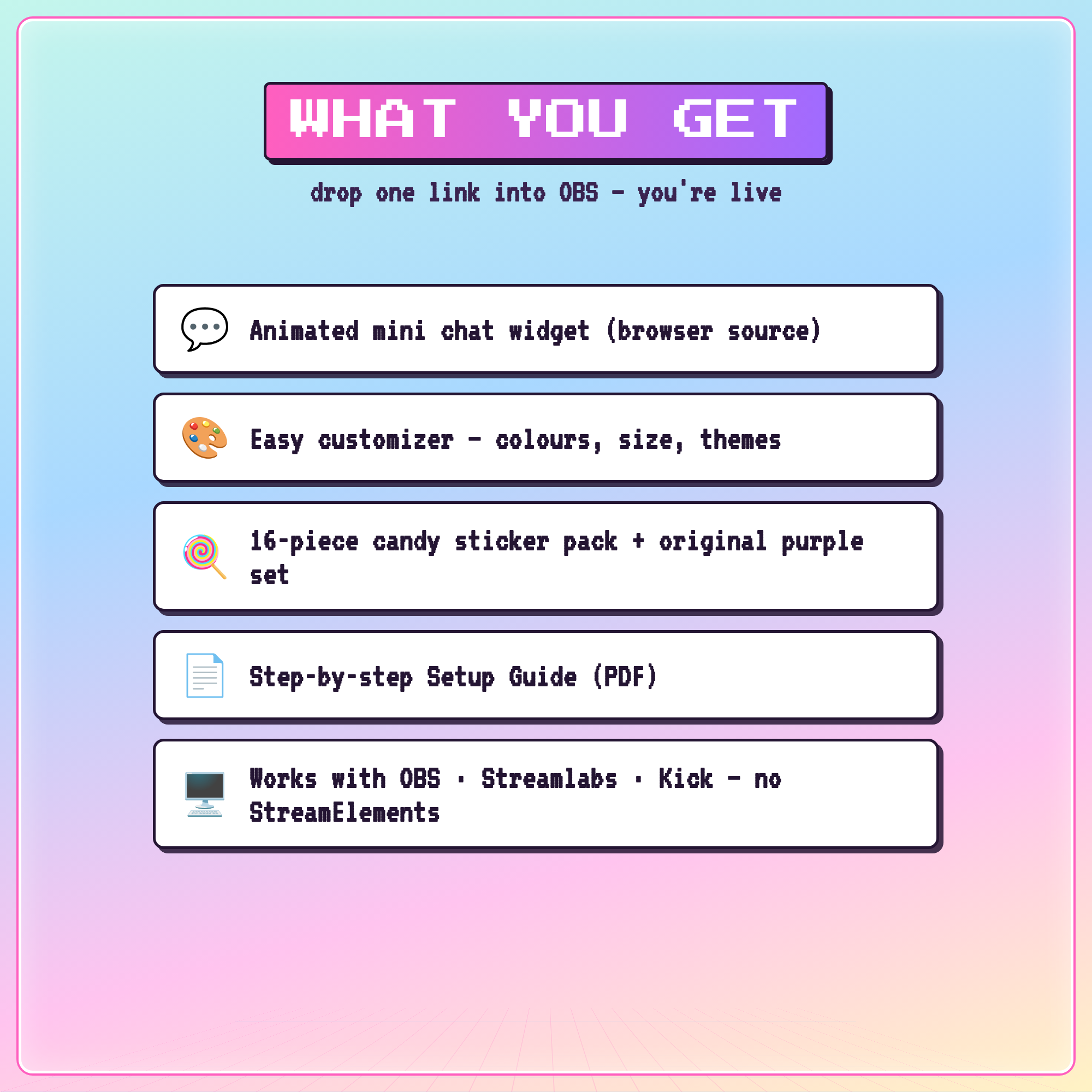
✦ WHAT YOU GET (instant digital download, 1 ZIP)
• chatbar-y2k.html — the overlay you add to OBS
• chatbar-y2k-settings.html — a visual builder that makes your link (no code!)
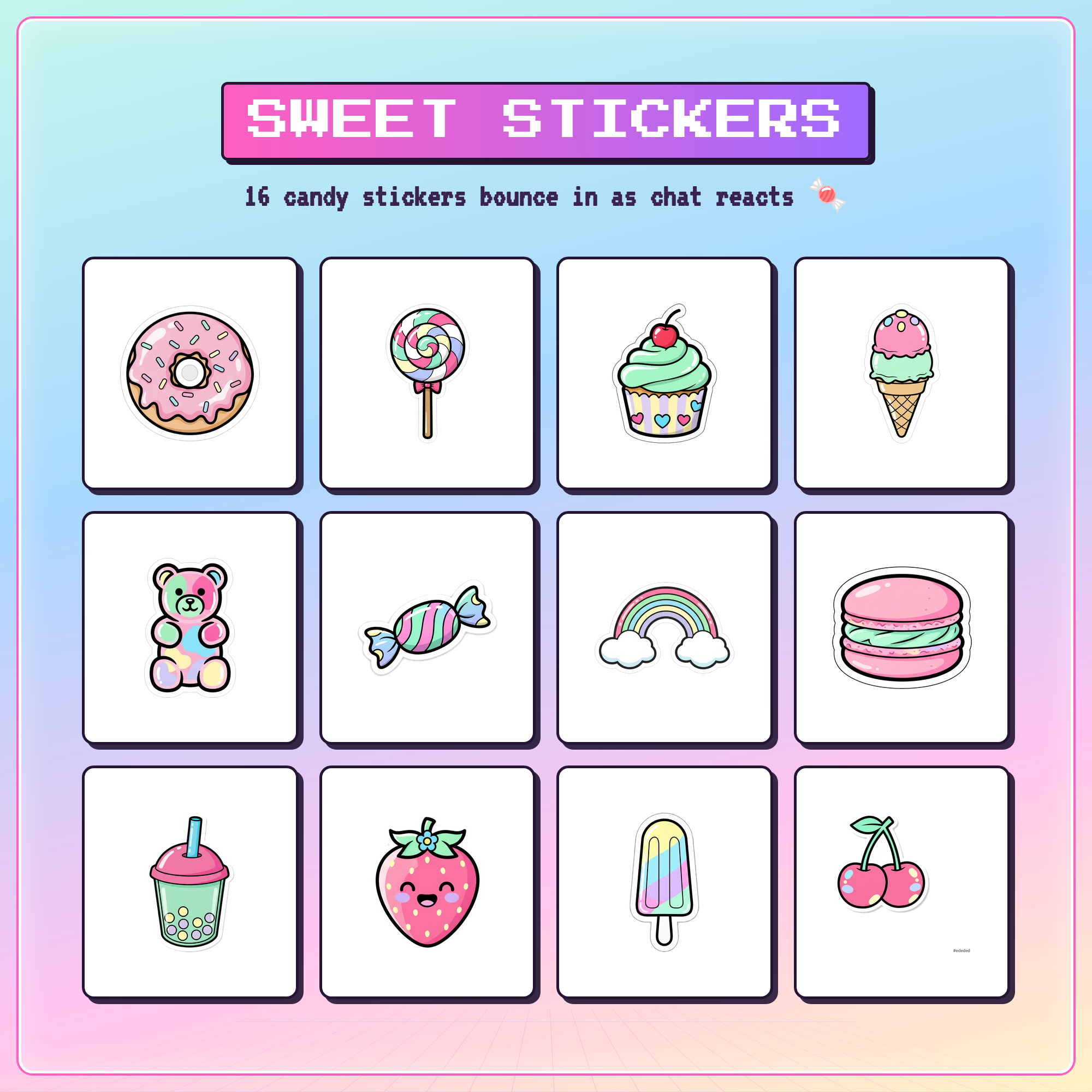
• 16 candy stickers + the original Y2K sticker set
• PDF setup guide (OBS · Streamlabs)
✦ WHY YOU'LL LOVE IT
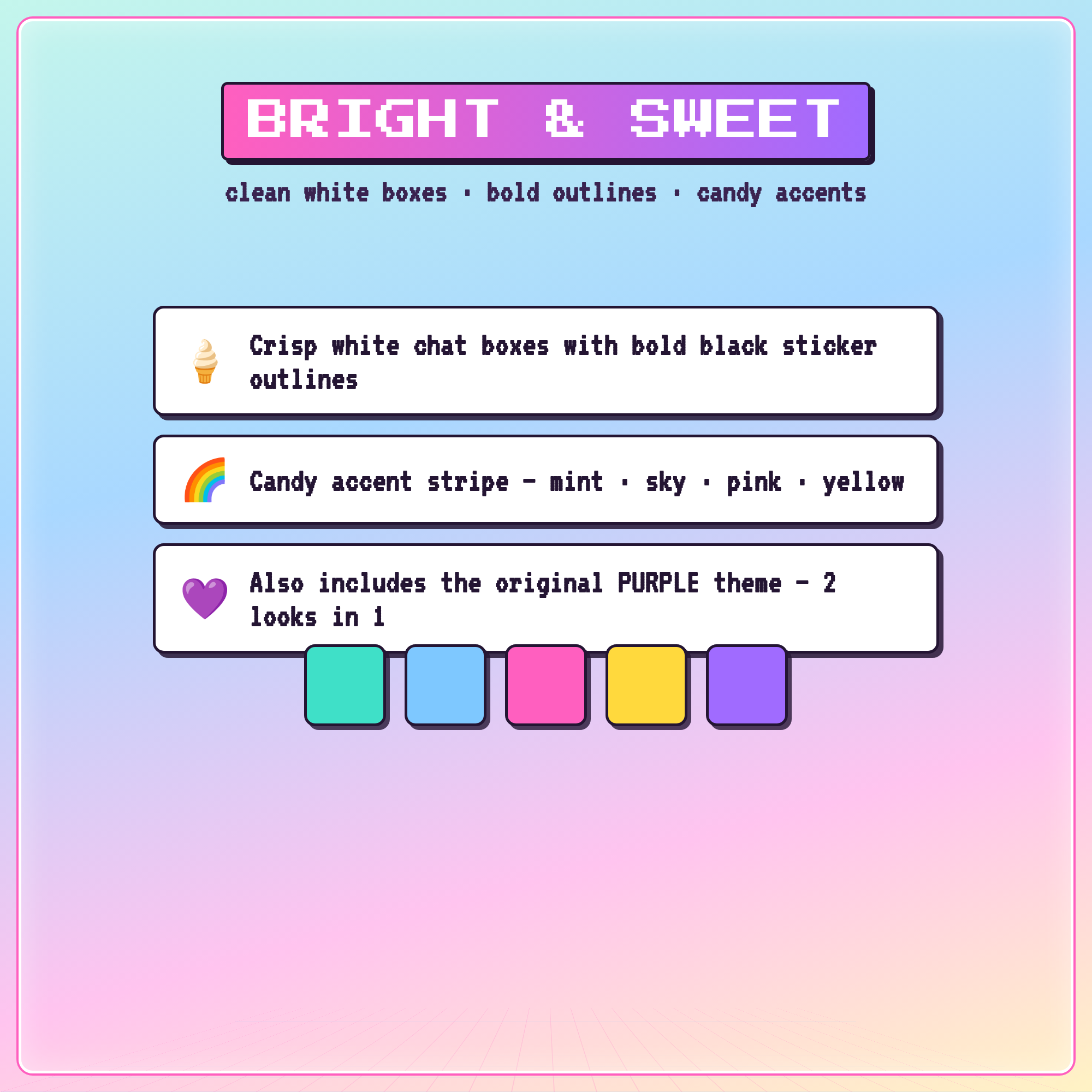
• Bright candy palette — crisp white boxes, bold outlines, mint · sky · pink · yellow accents
• 16-piece candy sticker pack (donut, boba, cupcake, gummy bear, rainbow & more) that bounce in as chat reacts
• Also includes the ORIGINAL purple theme — two looks in one download 💜
• Live Twitch chat with role badges & Twitch emotes
• Adjustable text size, max messages, auto-hide, align top/bottom
• Hide commands & ignore bots (Nightbot, StreamElements…)
✦ WORKS WITH
Twitch · OBS Studio · Streamlabs Desktop — anything with a Browser Source.
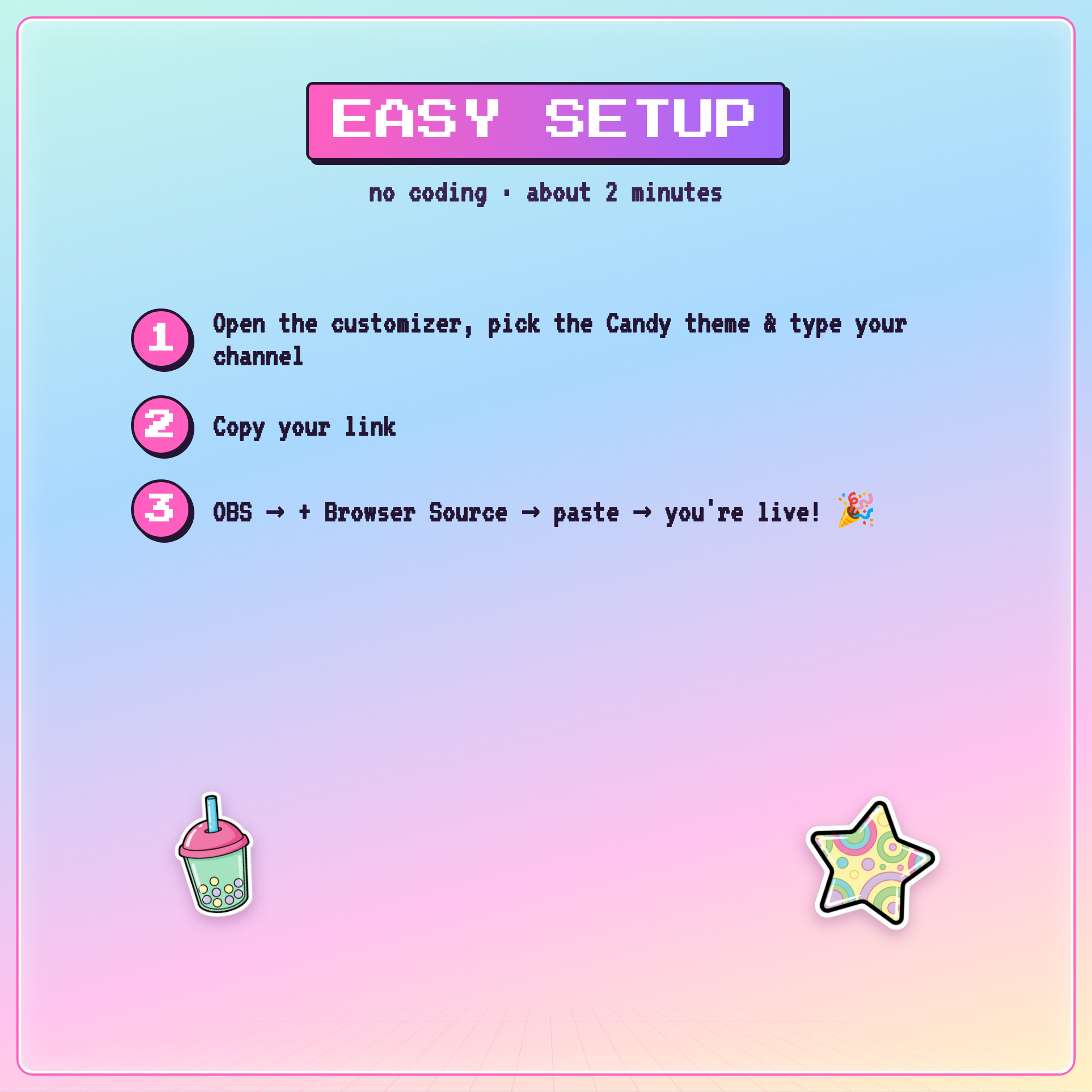
✦ EASY SETUP (about 2 minutes)
1. Open the customizer, click the Candy ✦ swatch & type your Twitch name
2. Copy your OBS link
3. Paste it into an OBS Browser Source — you're live! 🎉
— TERMS —
For personal & commercial streaming use on your own channels. Please don't resell, share, or redistribute the files. Thank you for supporting a small shop! 🍬