About this widget
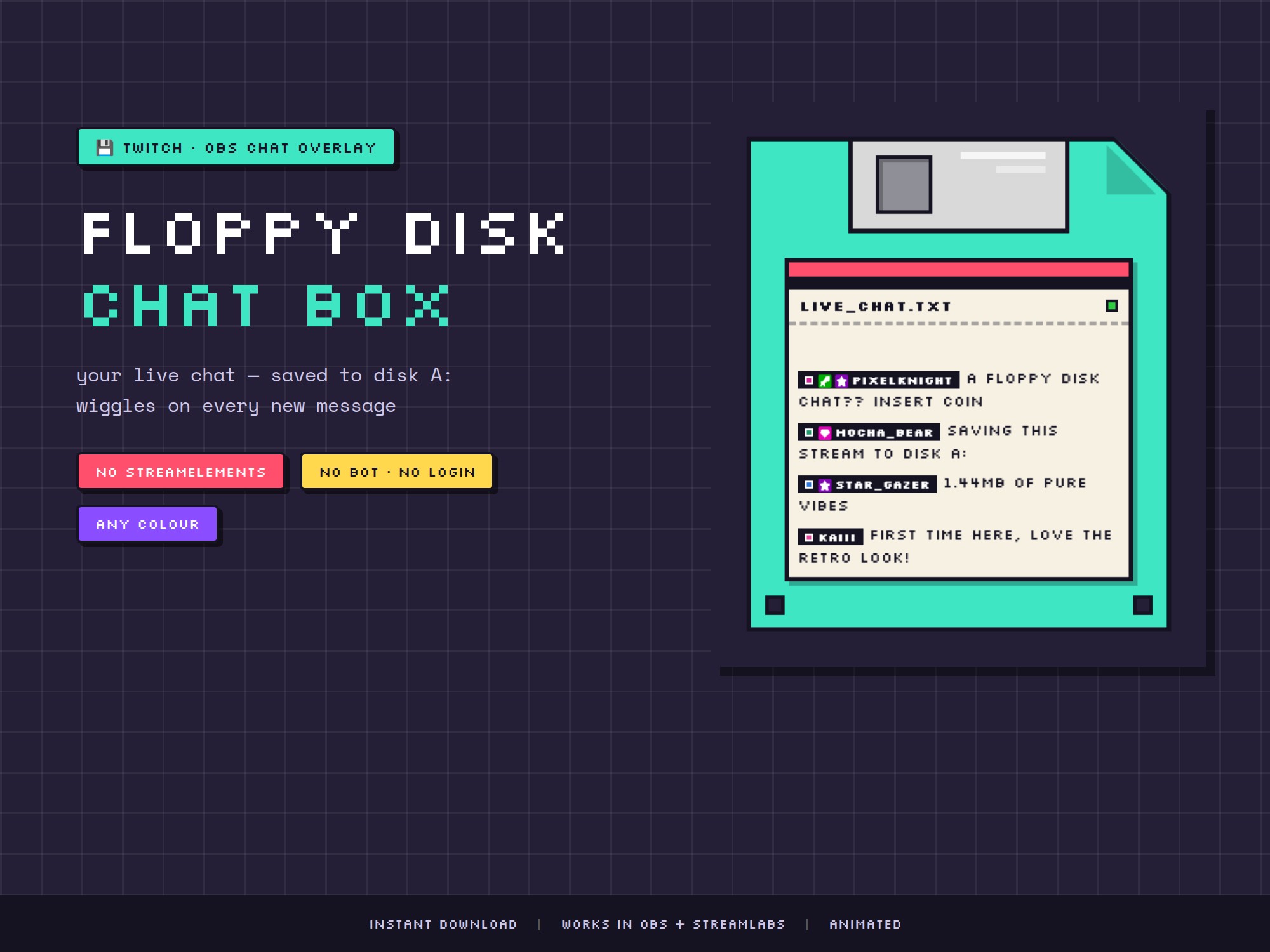
💾 FLOPPY DISK CHAT BOX — your Twitch chat, saved to disk A: 💾
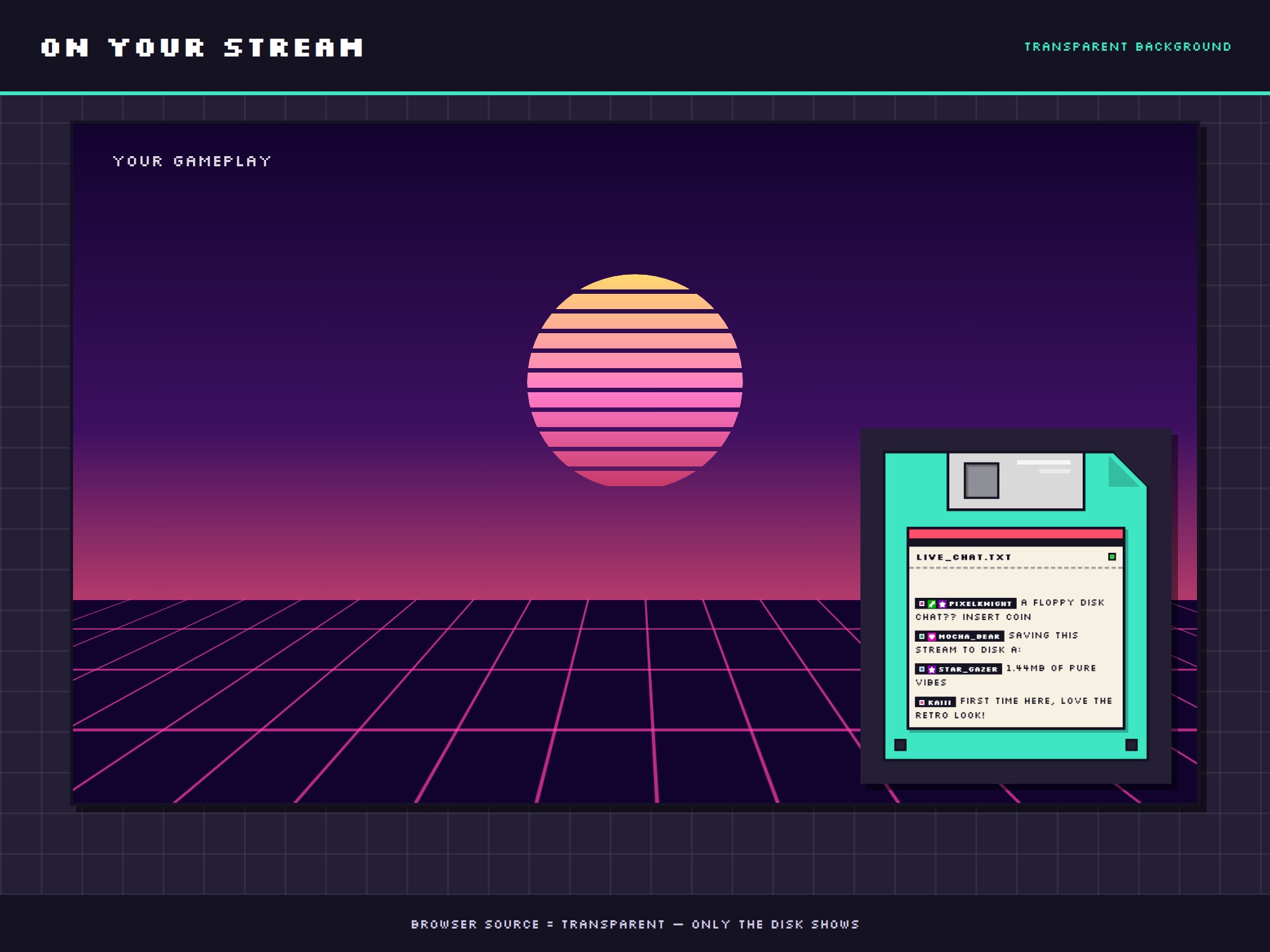
Your live chat appears on the label of a chunky pixel-art floppy disk — and the disk wiggles every time someone types. Thick black outlines, candy colours and a crisp pixel font. Pure retro desk-core for your stream.
No StreamElements. No bot. No login. It reads your chat anonymously — set it up in under 2 minutes.
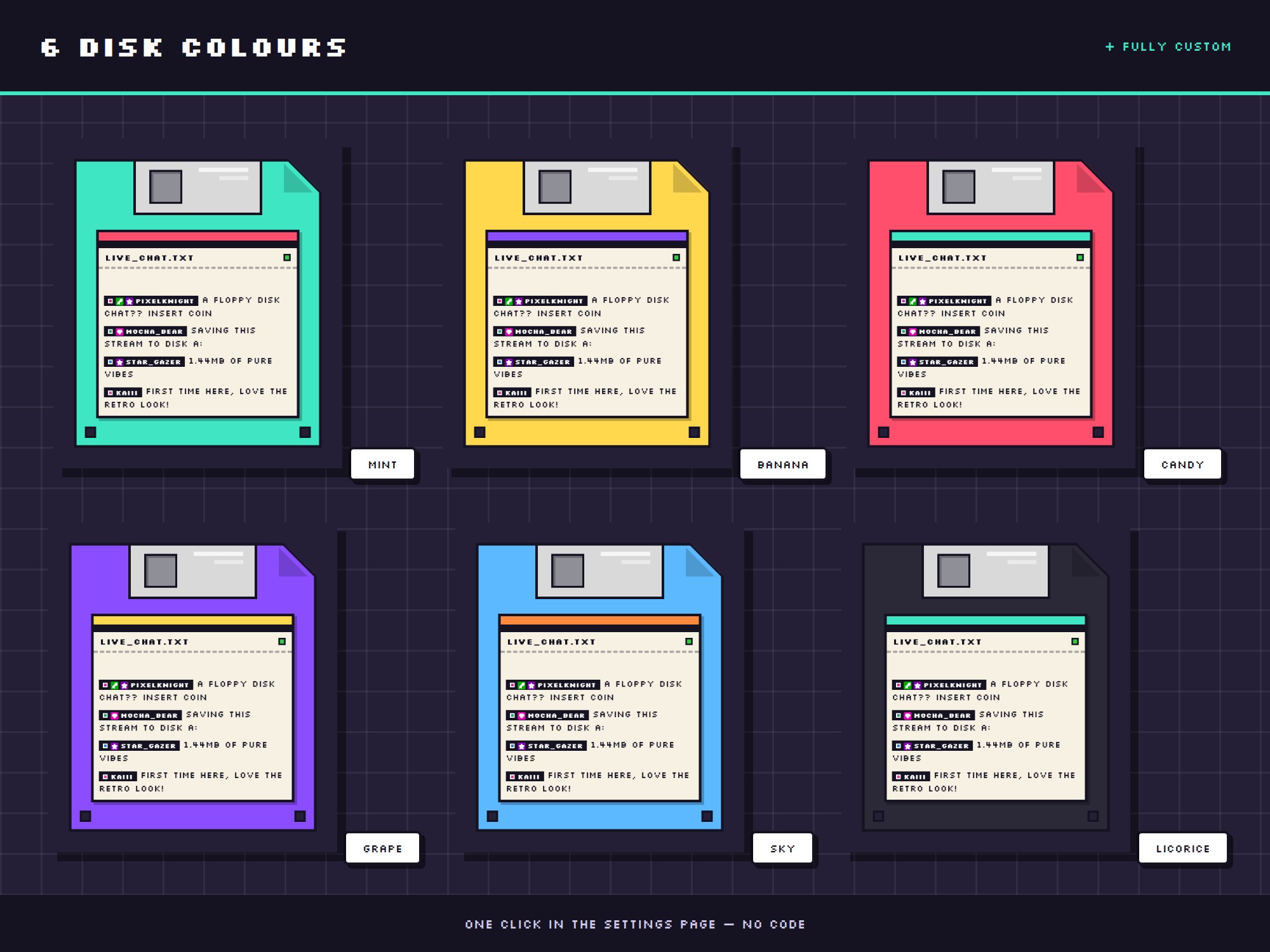
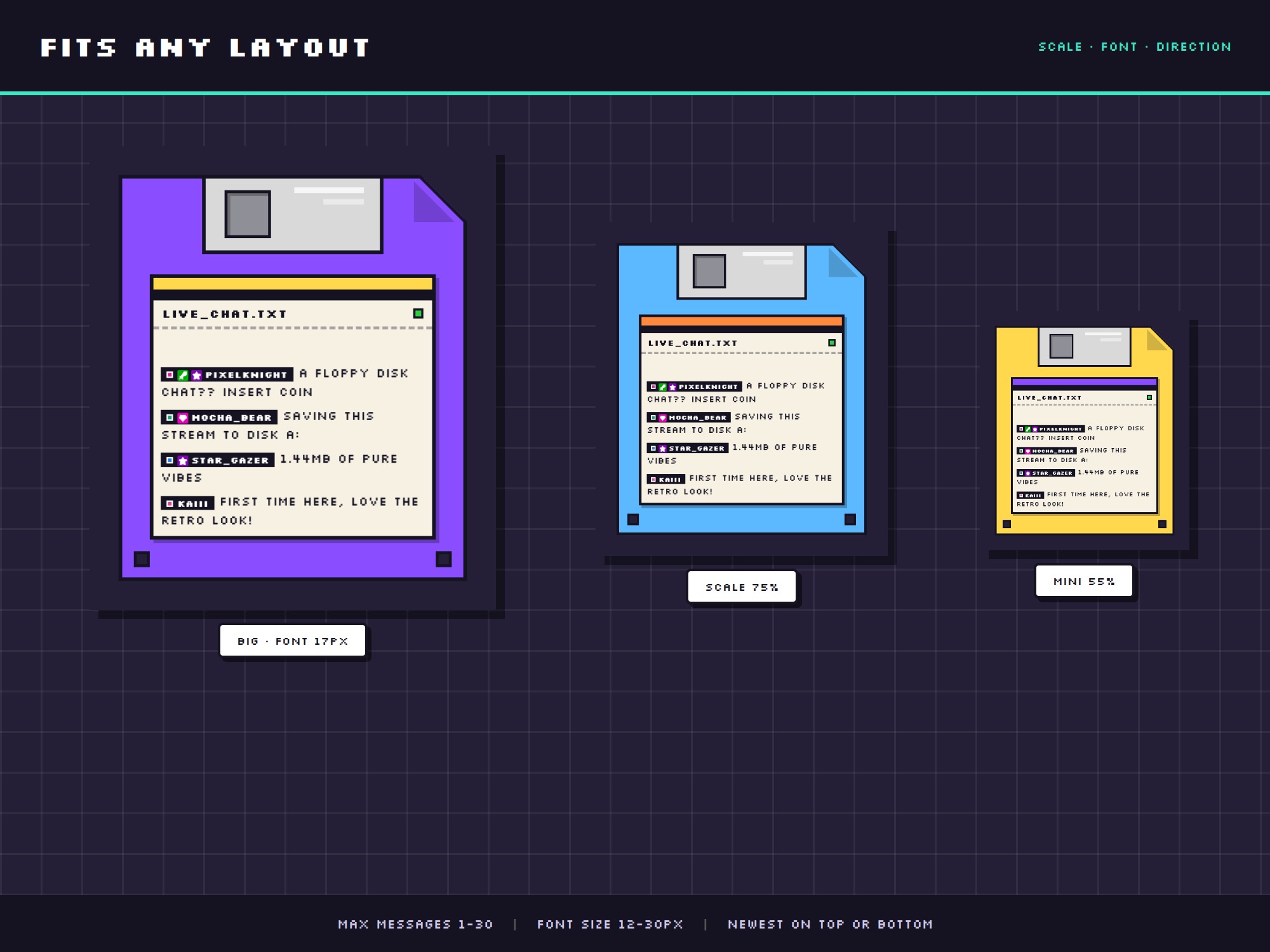
🎨 6 DISK COLOURS + FULLY CUSTOM
• mint, banana, candy, grape, sky, licorice — one click
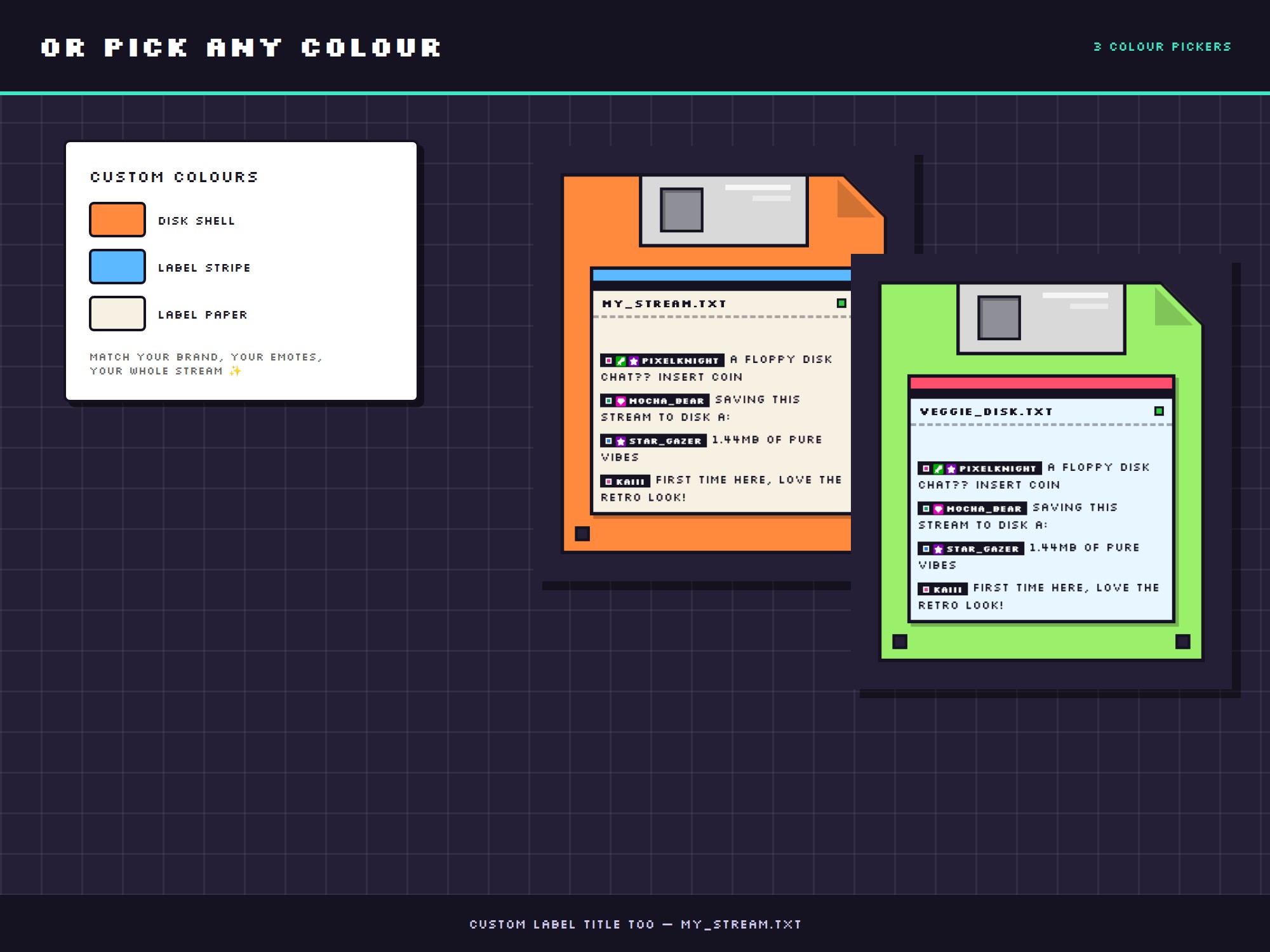
• or pick ANY colour: disk shell, label stripe and label paper each have their own colour picker
• custom label title too (yourname.txt)
✨ WHAT IT DOES
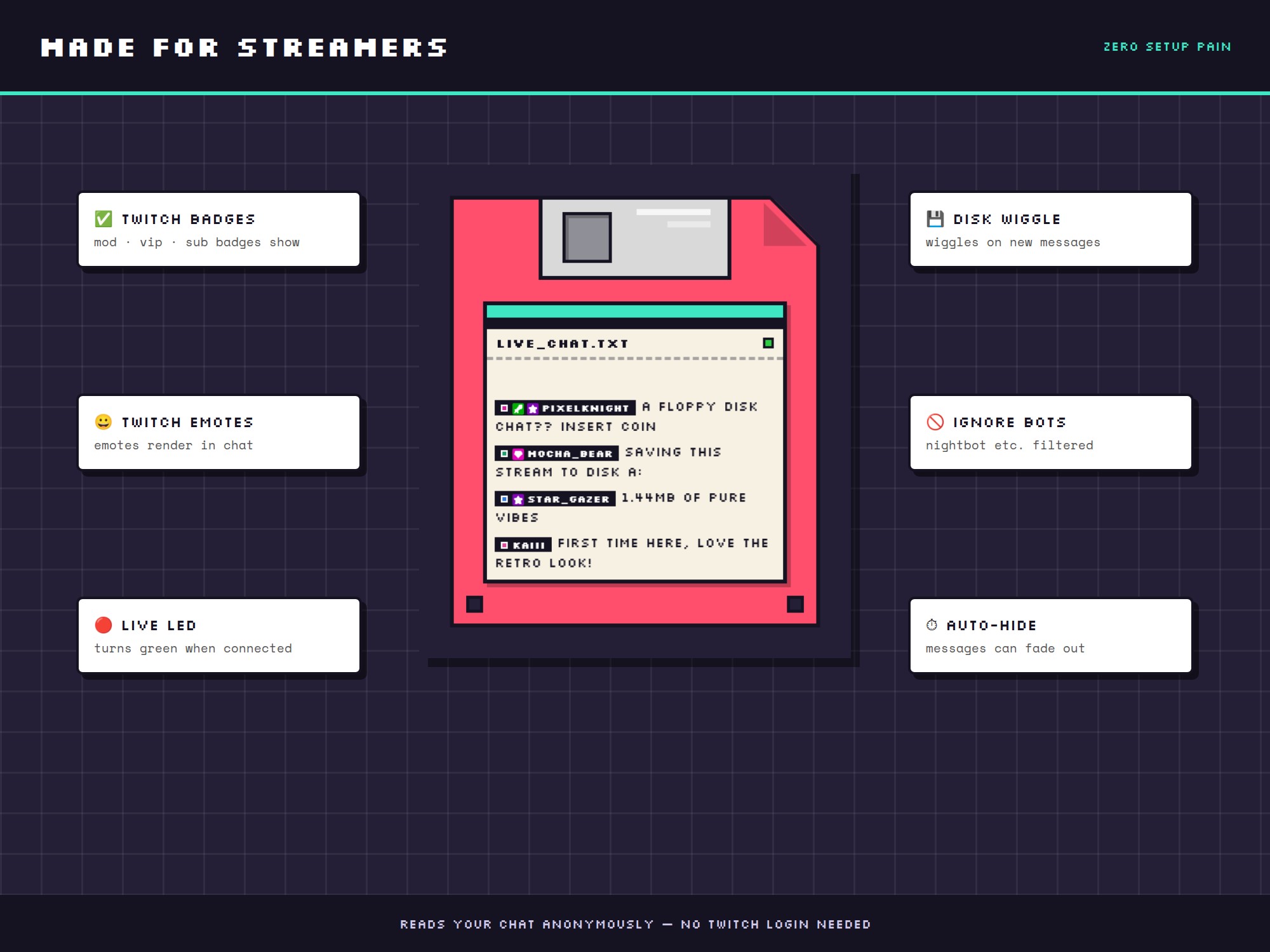
• shows your Twitch chat live in a floppy disk frame
• disk wiggles on every new message
• LIVE LED turns green when connected
• Twitch badges (mod/VIP/sub) + emotes render in chat
• auto-filters nightbot & friends, can hide !commands
• messages can auto-hide after N seconds
• scale + font size + newest on top or bottom
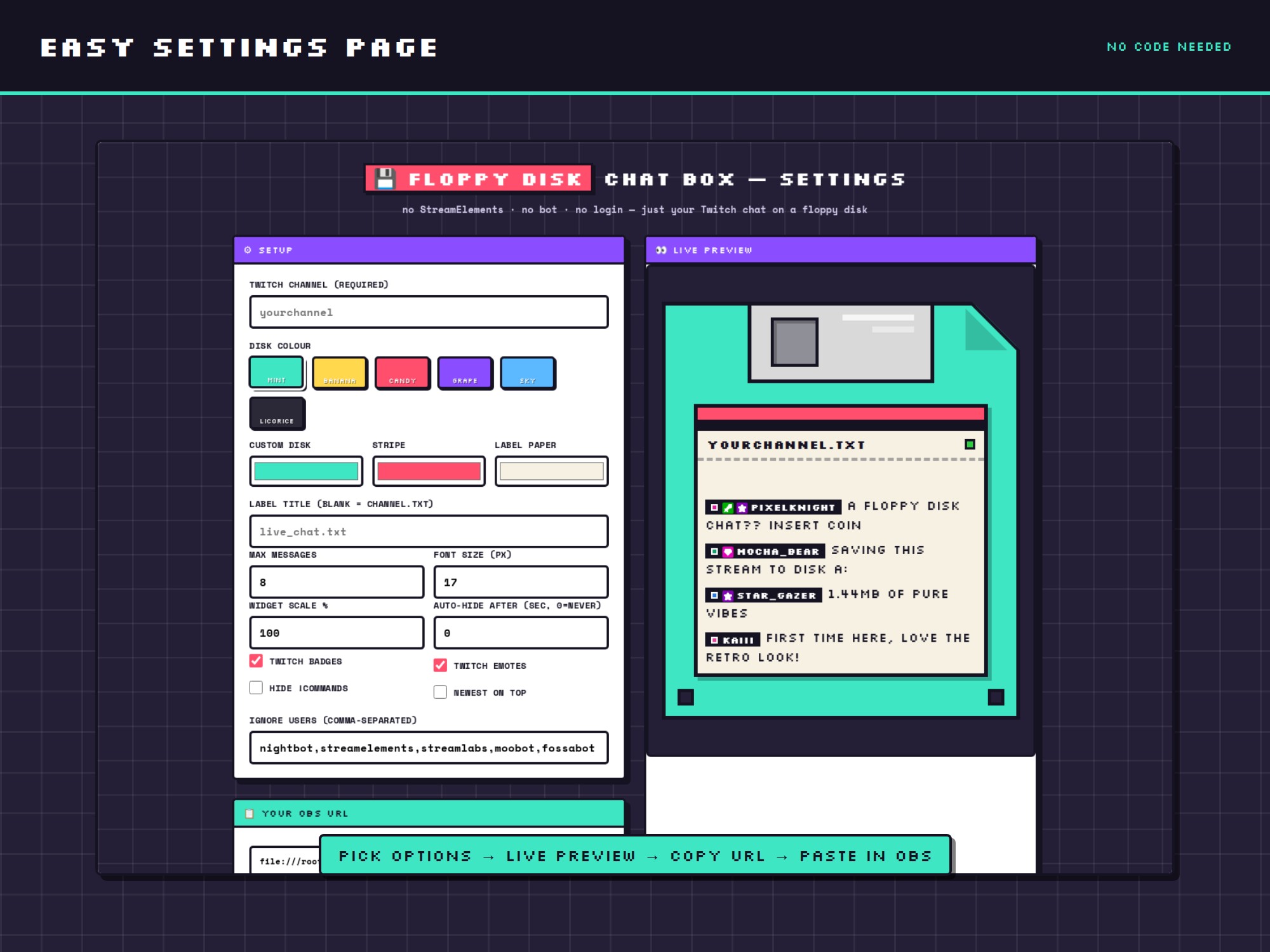
🖥️ EASY SETUP (no code!)
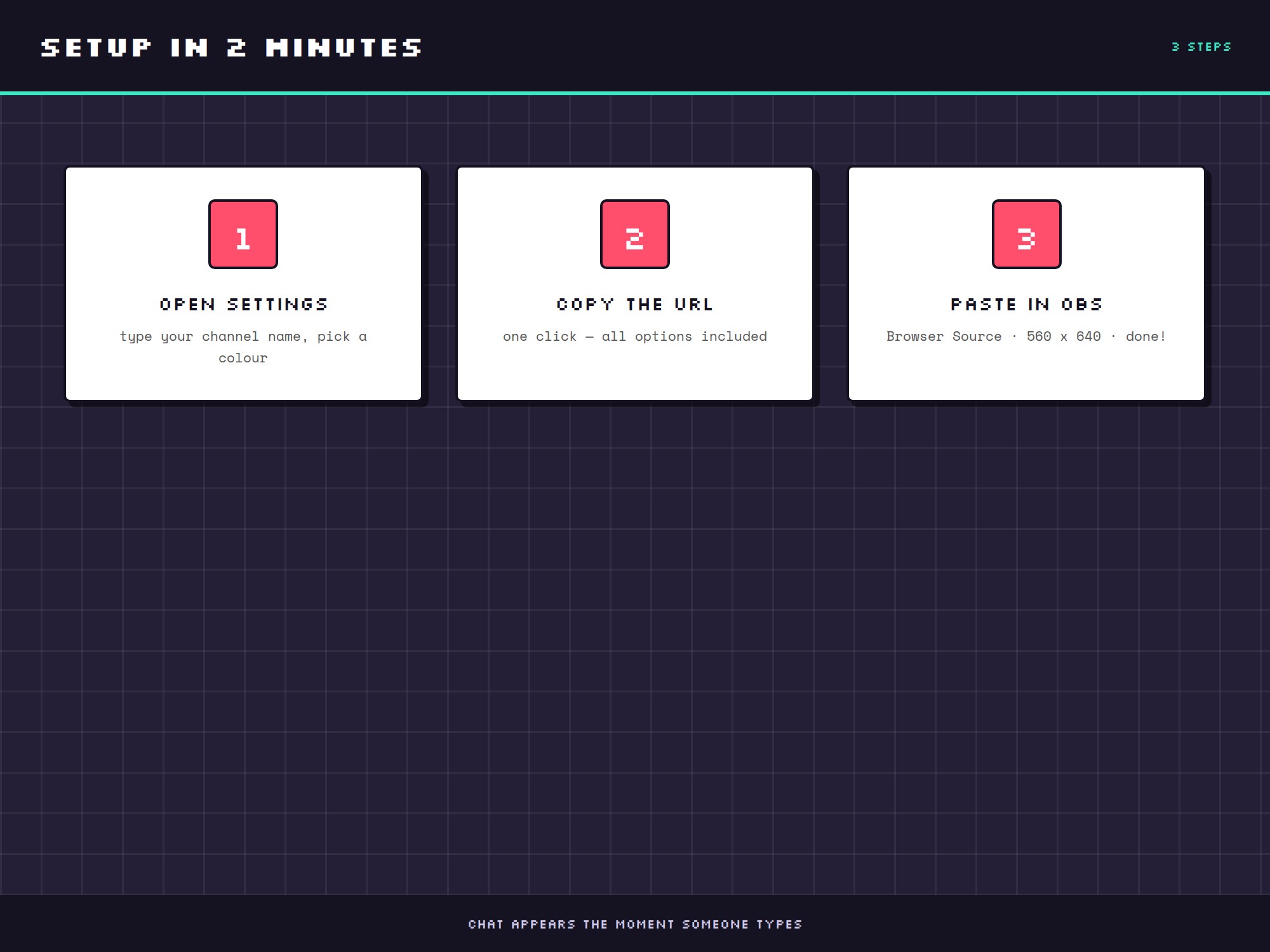
1. Open the settings page, type your channel name
2. Pick a colour — live preview updates instantly
3. Copy the URL and paste it into an OBS Browser Source (560 x 640)
Done — chat appears the moment someone types.
📦 WHAT'S INCLUDED
• chat-widget.html — the floppy chat box
• chat-settings.html — point & click configurator with live preview
• showcase page — see both side by side
Works with OBS Studio, Streamlabs Desktop and anything that supports browser sources. Twitch chat only.
⚡ INSTANT DOWNLOAD — digital file, nothing ships. For use on your own channel.