About this widget
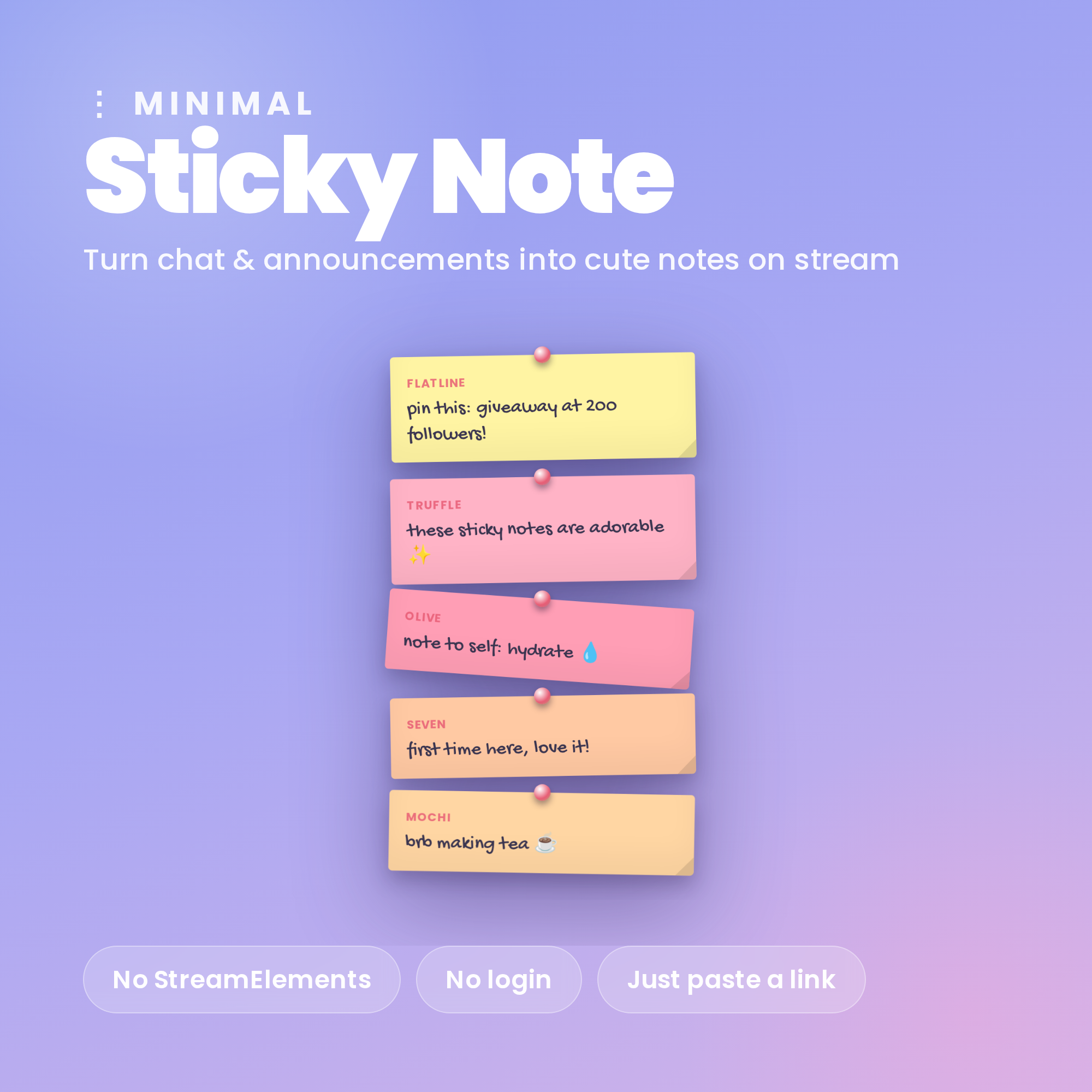
📌 Minimal Sticky Note — turn your chat & announcements into cute pinned notes on stream
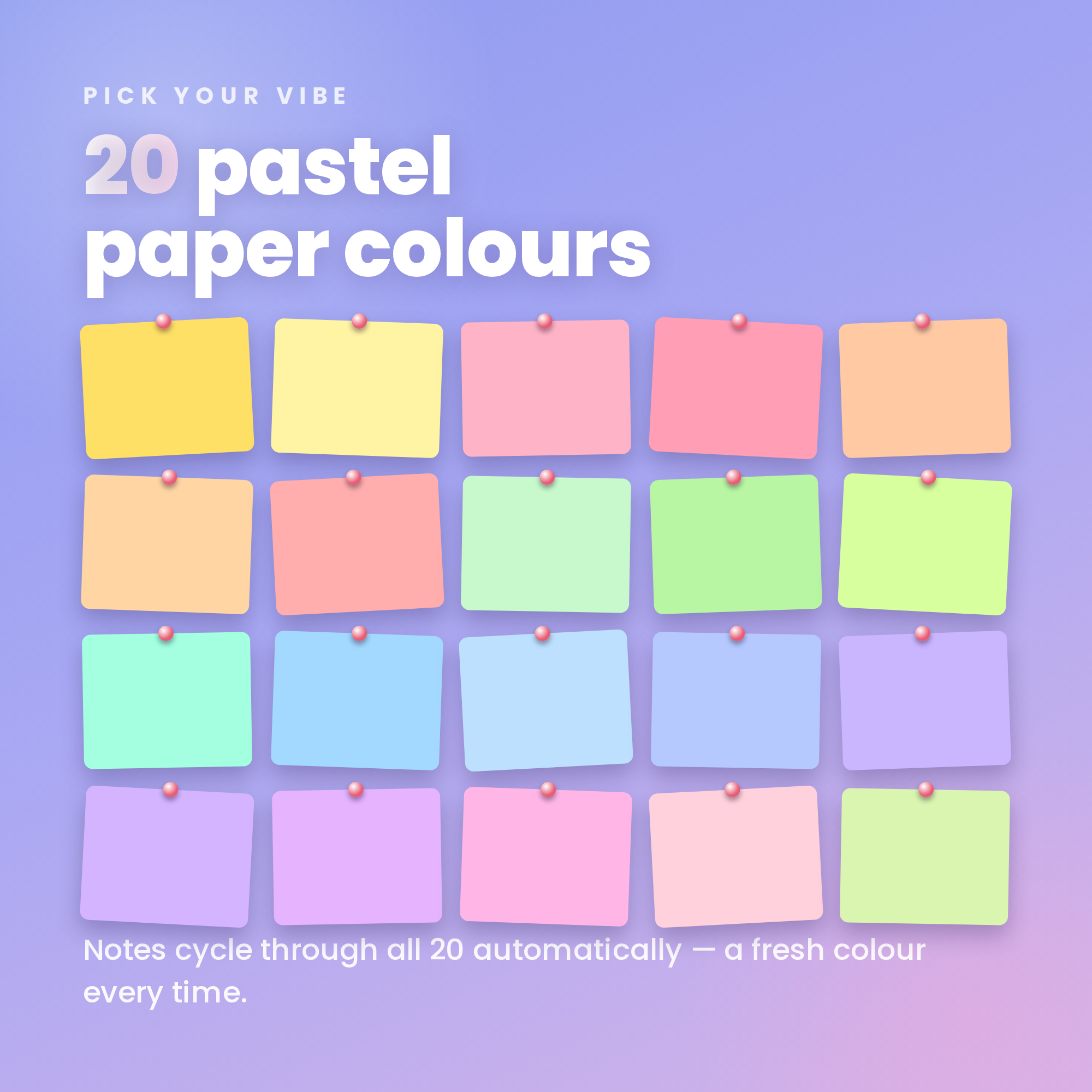
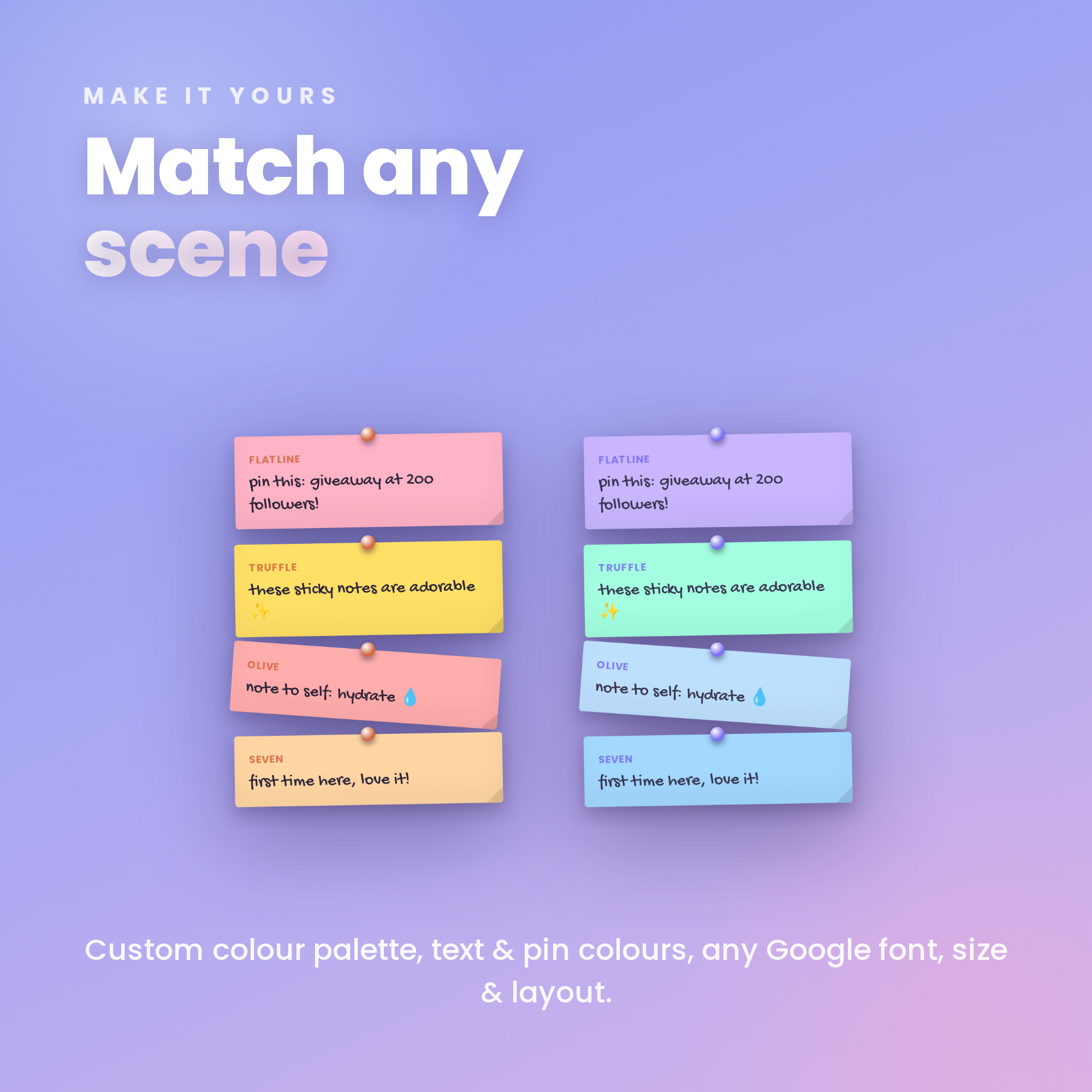
Soft periwinkle design, handwritten font, 20 pastel paper colours. Set up in under a minute, no coding.
★ NO STREAMELEMENTS NEEDED ★
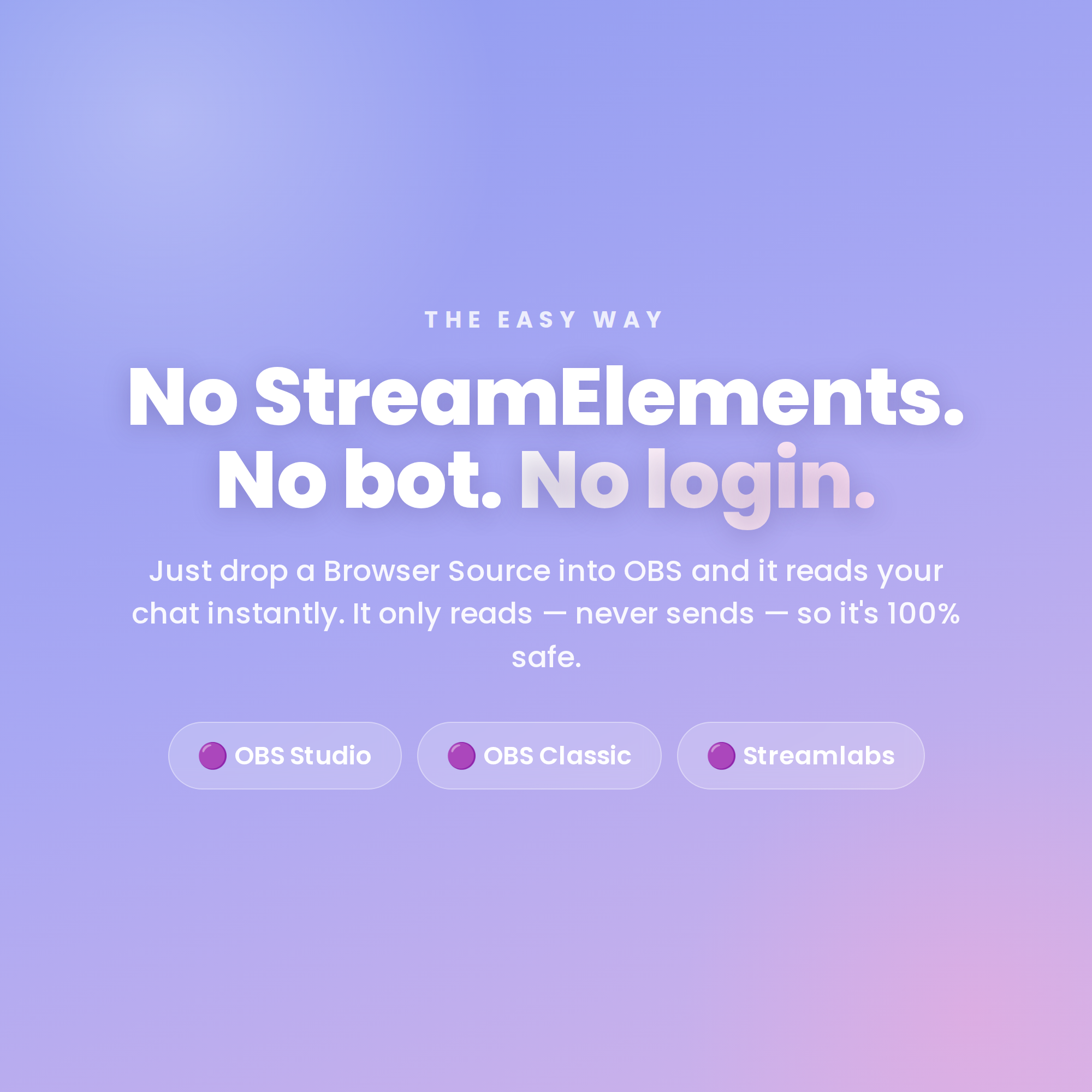
Just drop one HTML file into an OBS Browser source. No account, no bot, no login. It reads your Twitch chat anonymously (it only reads — never sends — so it's 100% safe), and a friendly Settings page builds your link for you with a live preview.
★ WHAT IT DOES ★
• Chat messages pop onto your stream as colourful sticky notes
• 20 pastel paper colours — a fresh colour every note
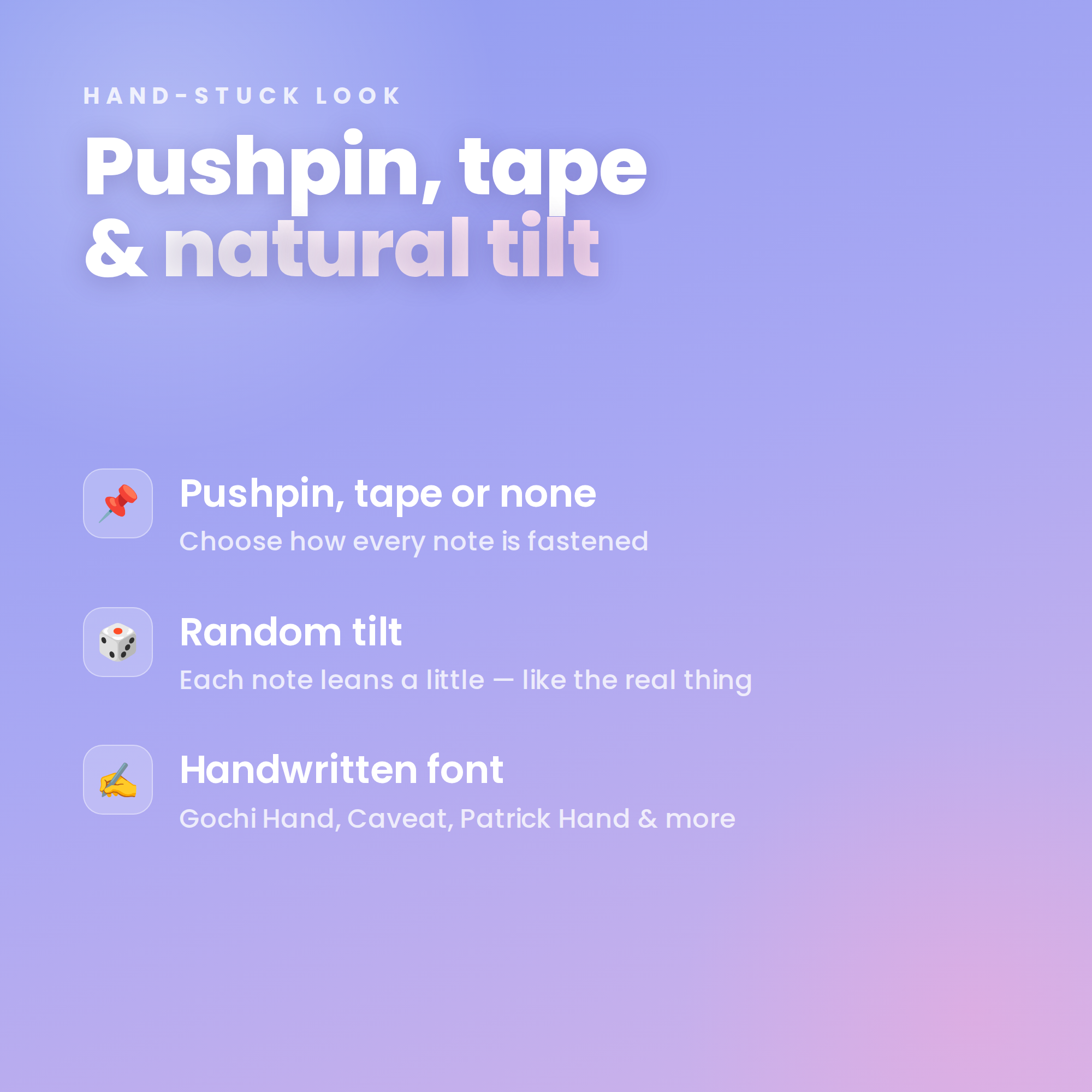
• Pushpin, tape or no fastener + a natural random tilt
• Handwritten Google fonts (Gochi Hand, Caveat, Patrick Hand & more)
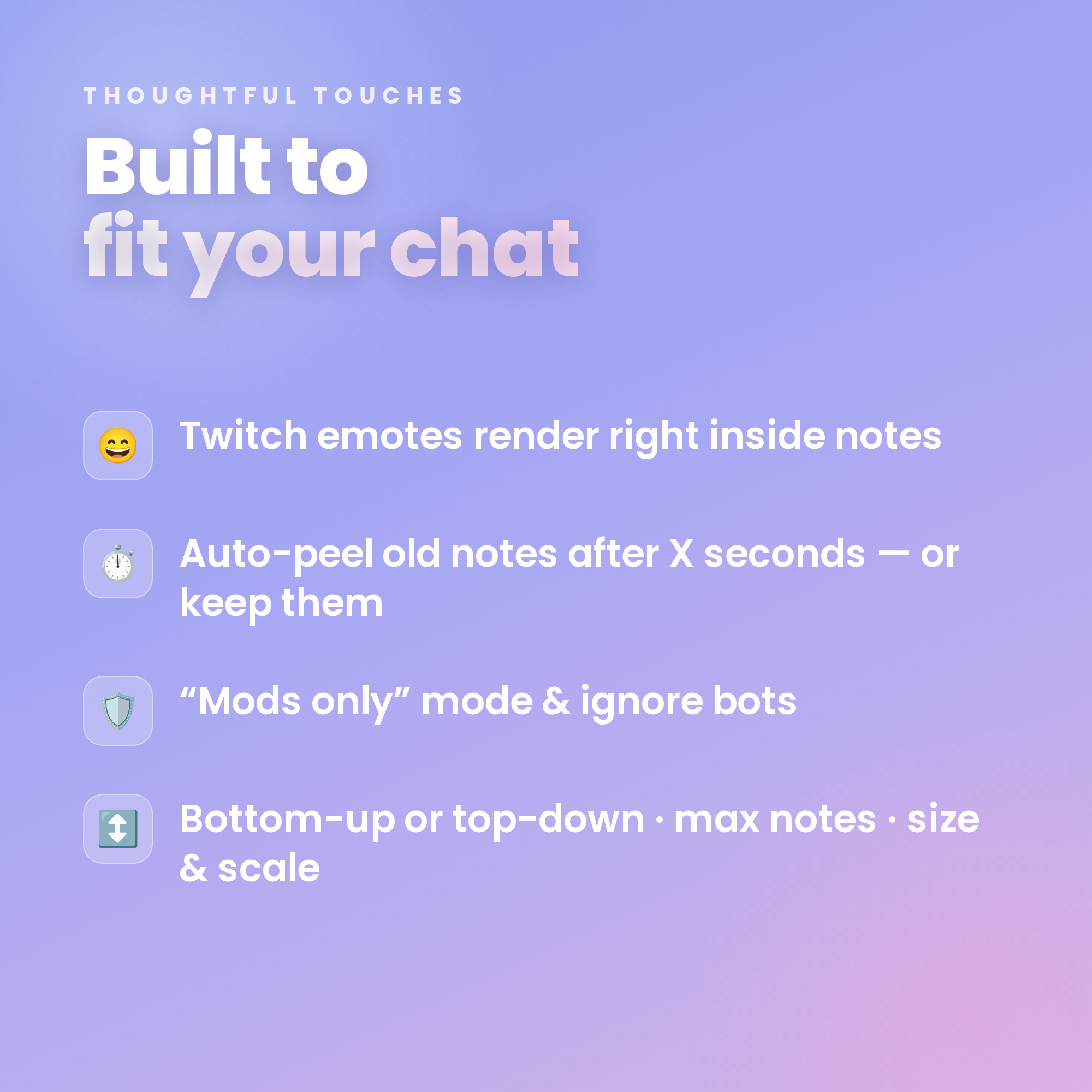
• Twitch emotes render right inside the notes
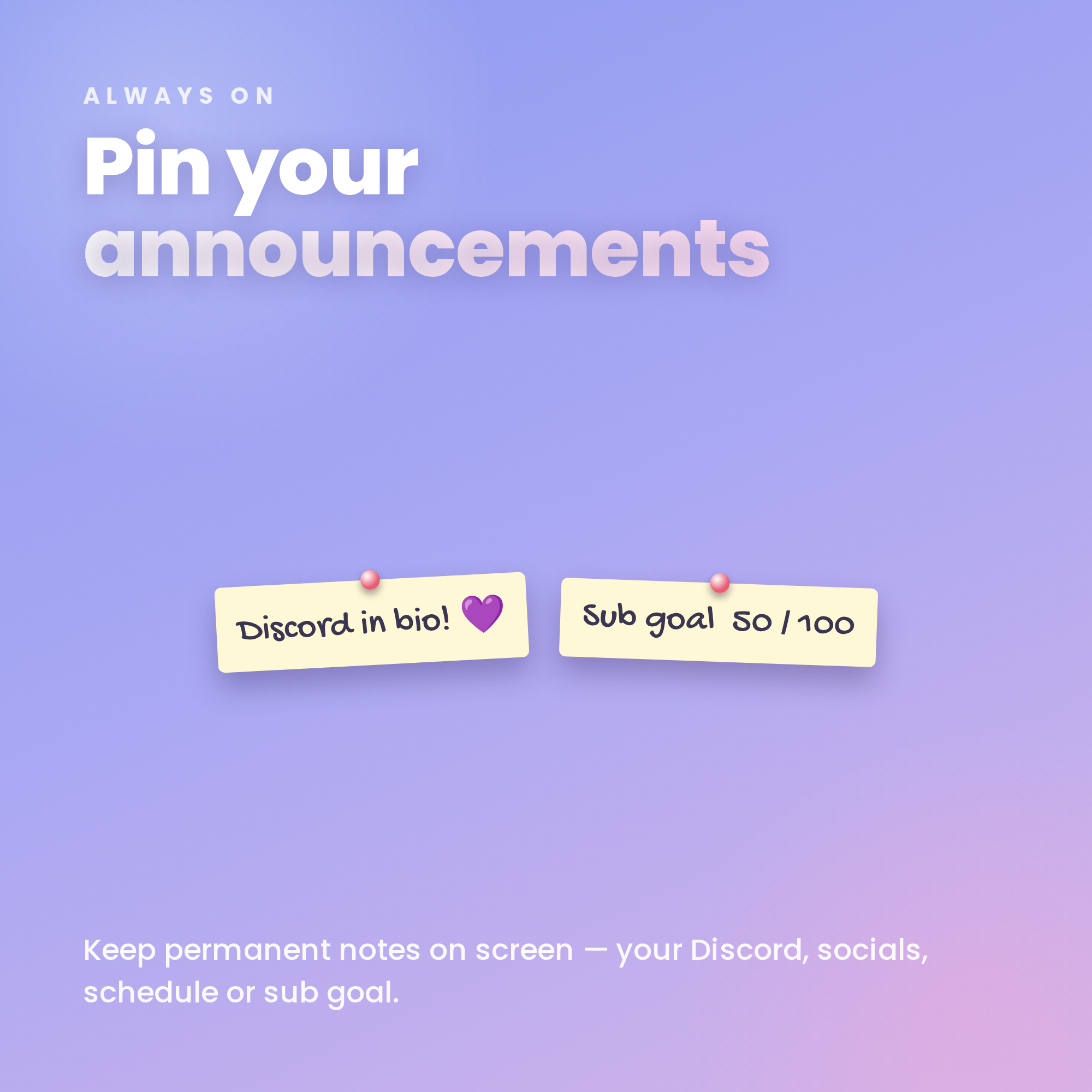
• 📌 Pinned announcements that always stay on screen (Discord, socials, sub goal…)
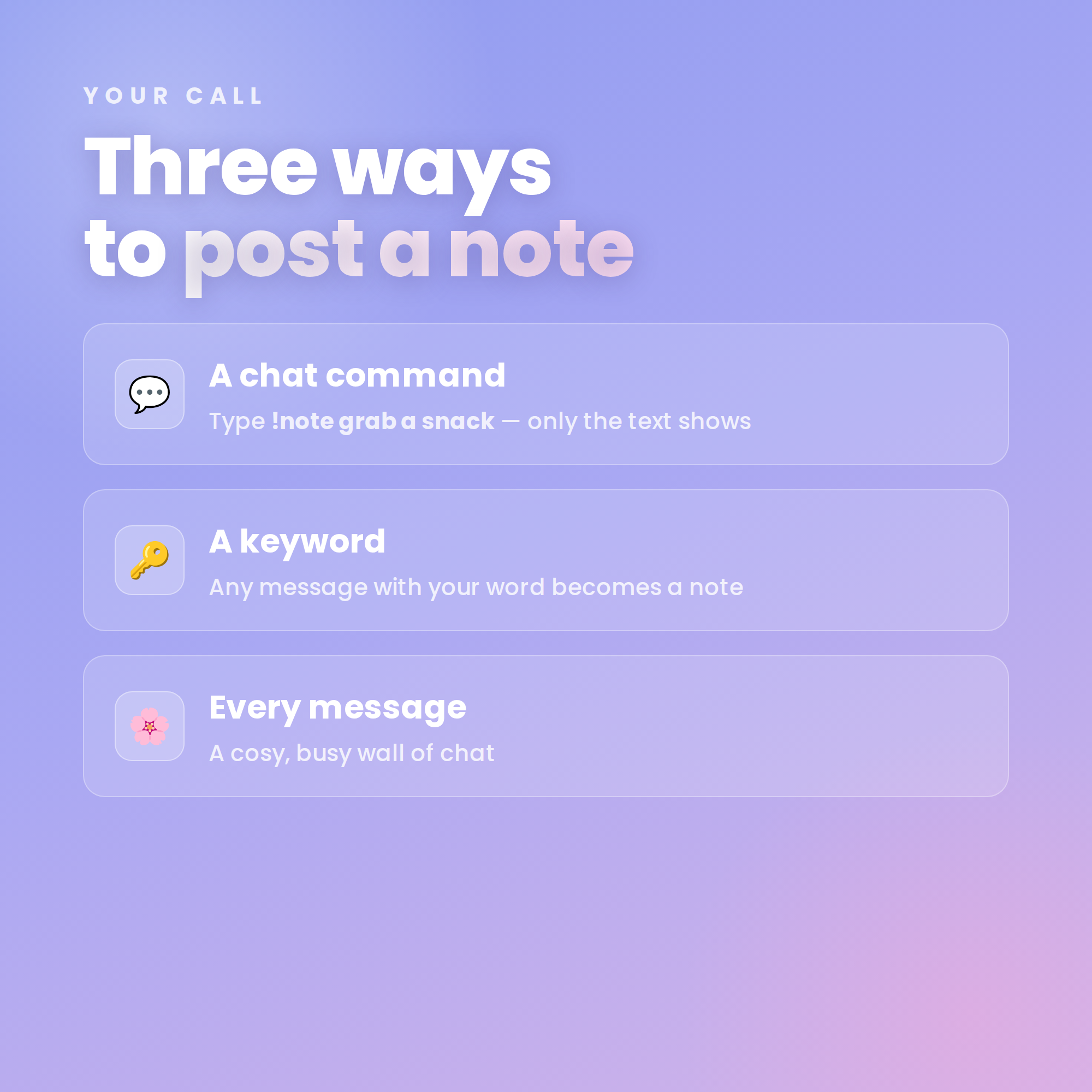
★ THREE WAYS TO POST A NOTE ★
• A chat command — viewers type !note your message
• A keyword — any message with your word becomes a note
• Every message — a cosy, busy wall of chat
(Plus a “Mods only” option to keep it to you & your team.)
★ FULLY CUSTOMIZABLE ★
✓ Custom note text & pin colours
✓ Bottom-up or top-down layout
✓ Drop, fade or no animation
✓ Auto-peel old notes after X seconds (or keep them)
✓ Max notes, font size & scale
✓ Hide !commands + ignore bots to keep it clean
✓ Works with FREE OBS Studio + Streamlabs Desktop
✓ Transparent background — sits over any scene
✓ No subscriptions, no monthly fees
★ WHAT'S INCLUDED (instant download) ★
• Minimal Sticky Note widget (HTML)
• One-click Settings page with live preview
• Step-by-step Setup Guide PDF + every option
★ SUPER EASY SETUP ★
1. Open the Settings page & type your channel
2. Choose how notes post, tweak the look, then copy your link
3. Add it as a Browser source in OBS — type !note and you're live! ✨
★ REQUIREMENTS ★
• OBS Studio or Streamlabs Desktop (free)
• Internet connection (for fonts, emotes + Twitch chat)
• Your Twitch username
★ PLEASE NOTE ★
DIGITAL DOWNLOAD for use in OBS — not a printable file or app. Instant digital, so this item is non-refundable.
Questions or need a hand? Message me anytime — happy to help! ✨