About this widget
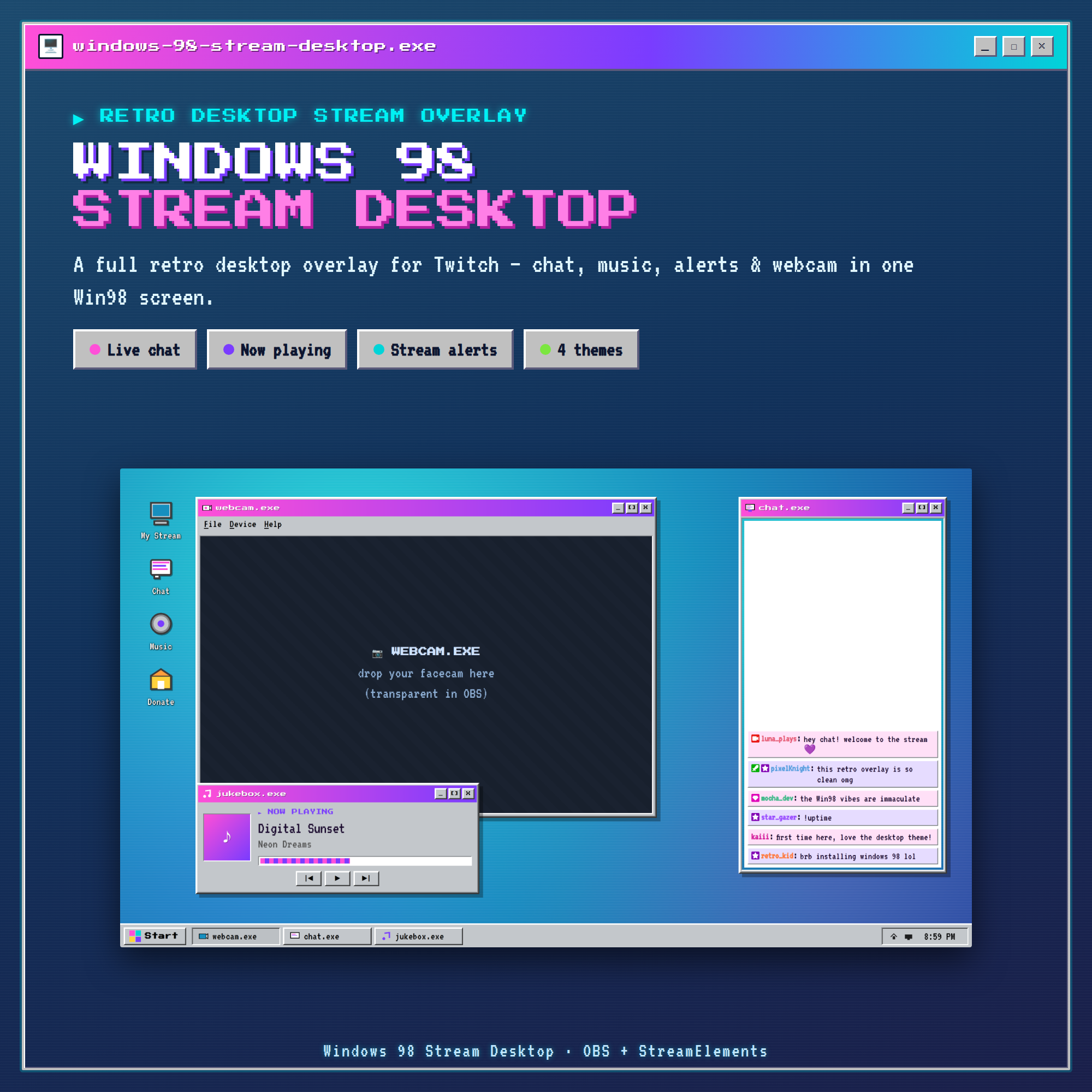
💾 WINDOWS 98 STREAM DESKTOP — your whole stream as one cozy retro computer screen 💾
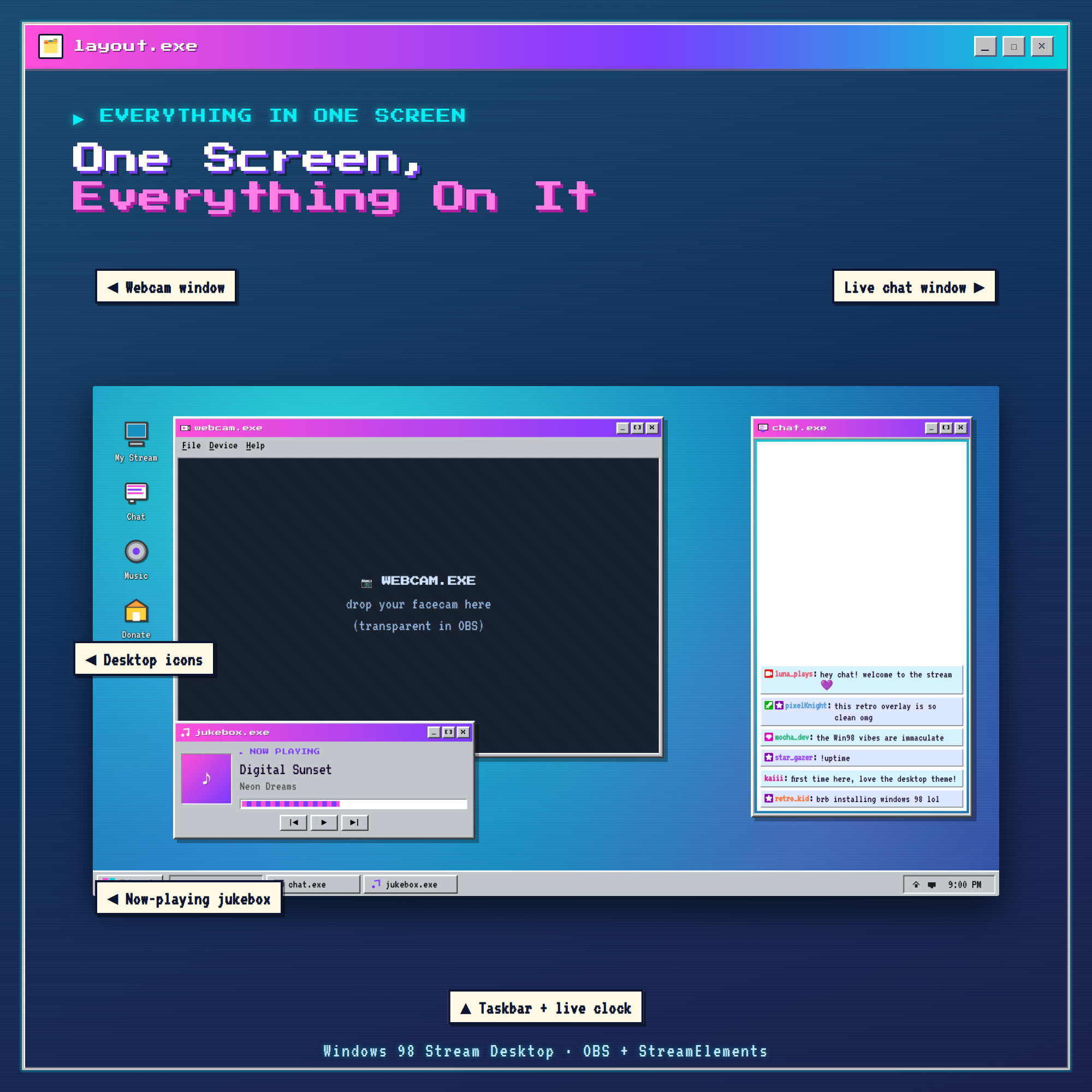
Turn your Twitch layout into a nostalgic Windows-98 desktop. One overlay gives you a webcam window, a live chat window, a now-playing jukebox, desktop icons and a real working taskbar clock — all in that crunchy Y2K pixel look. Drops straight into OBS. No bot, no login, no coding.
★ ONE SCREEN, EVERYTHING ON IT ★
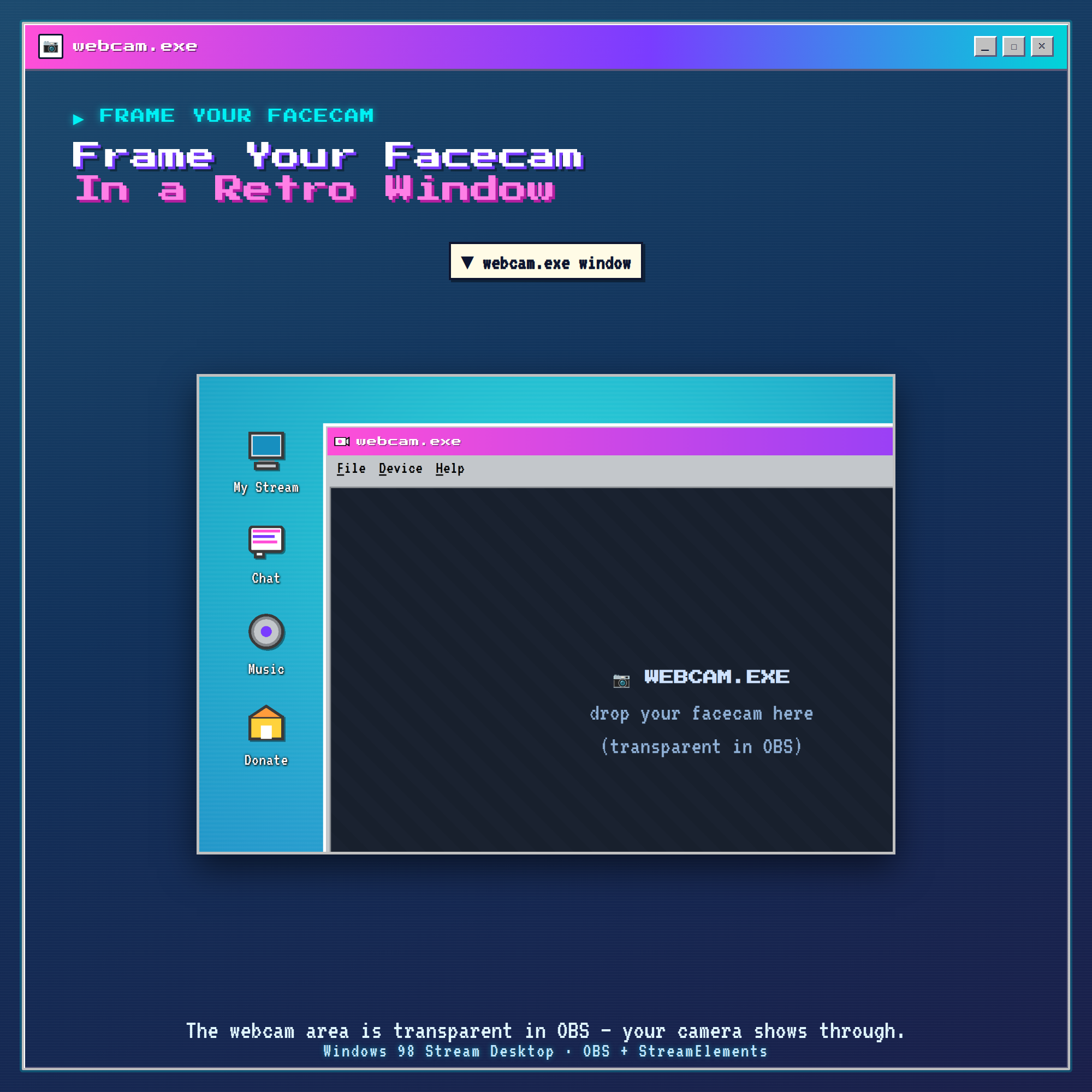
🖥️ webcam.exe — a retro window that frames your facecam (transparent in OBS — your real camera shows through)
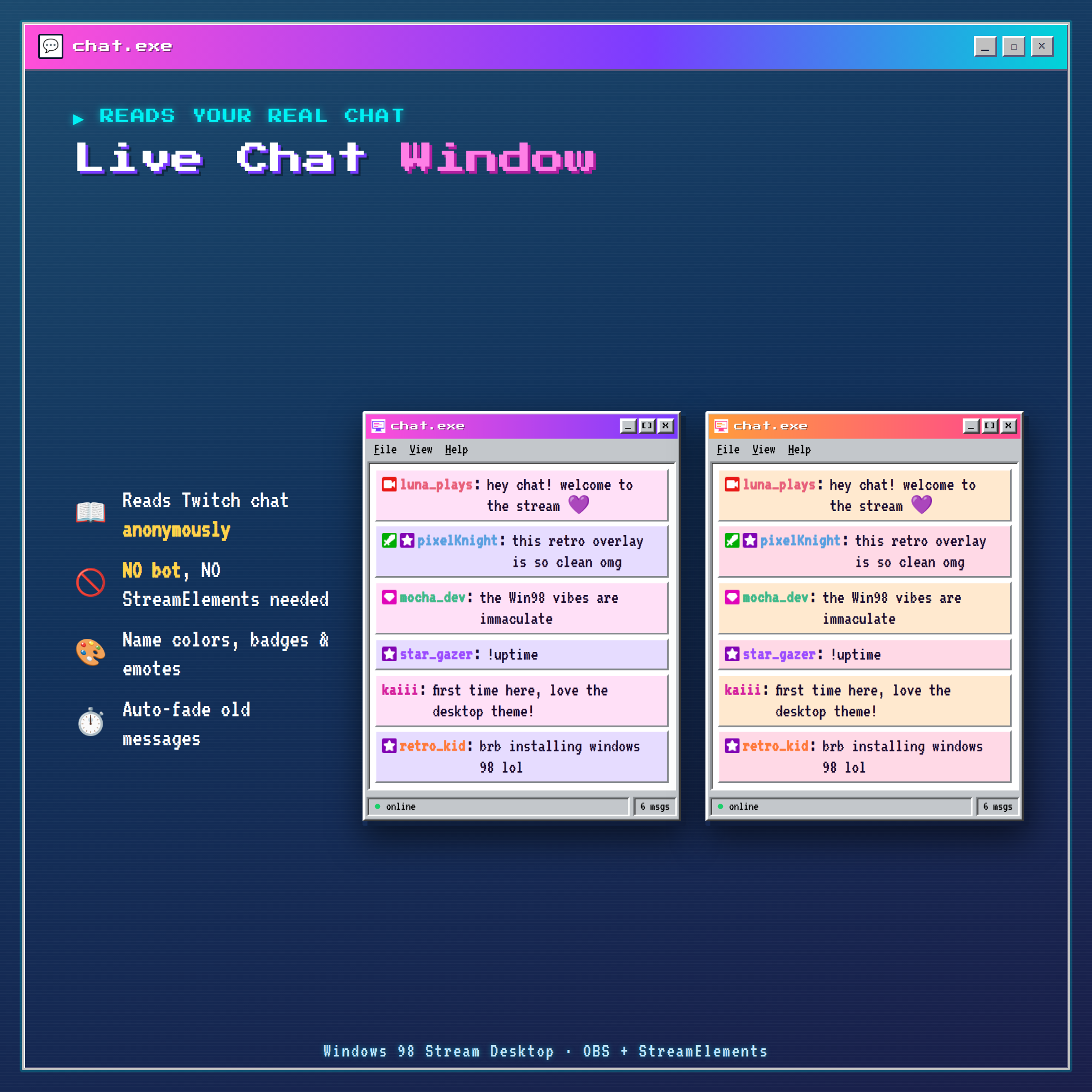
💬 chat.exe — your live Twitch chat with name colors, badges & emotes
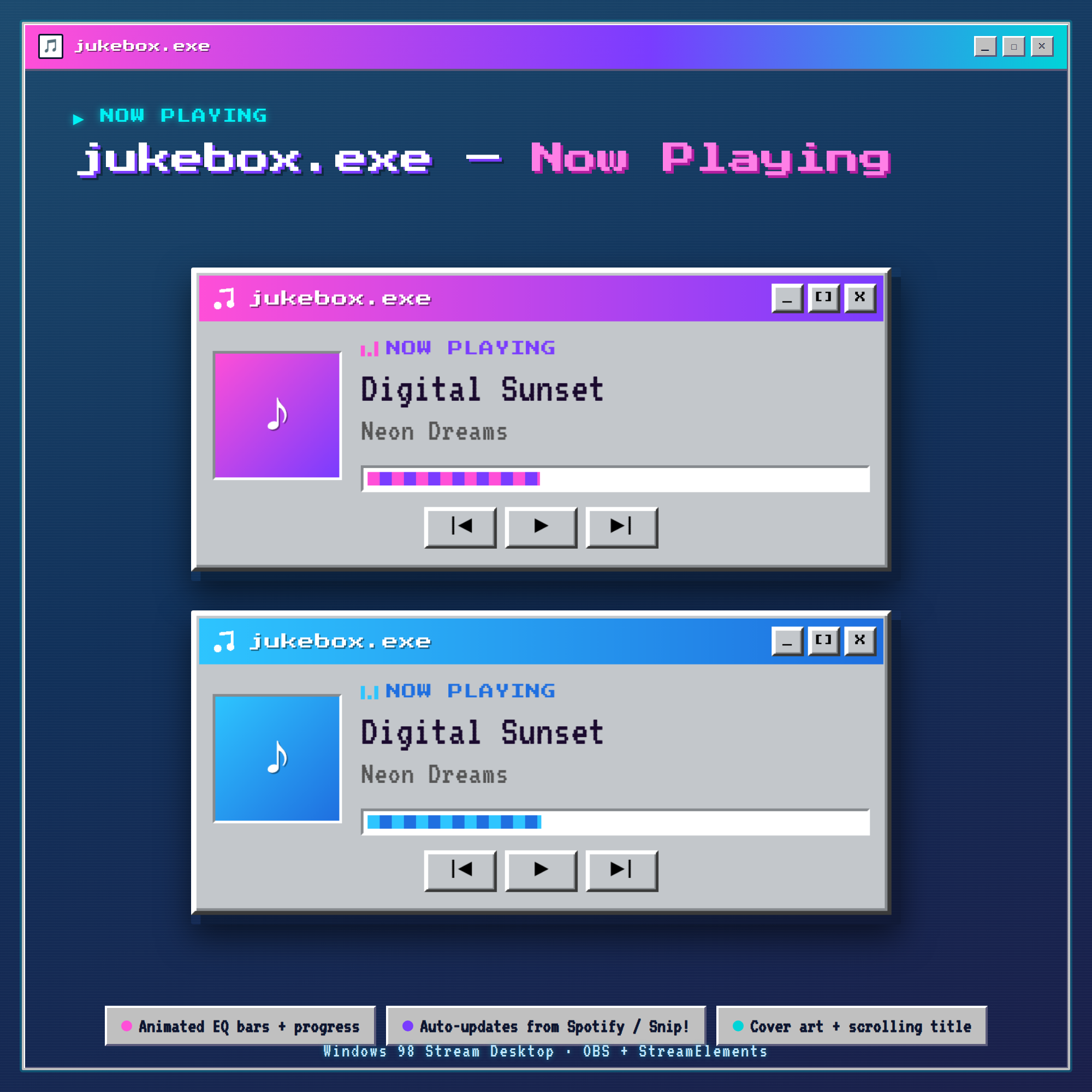
🎵 jukebox.exe — a now-playing music window with animated EQ bars
🖱️ Desktop icons + a Win98 taskbar with a live clock
★ NO STREAMELEMENTS OR BOT NEEDED (for chat) ★
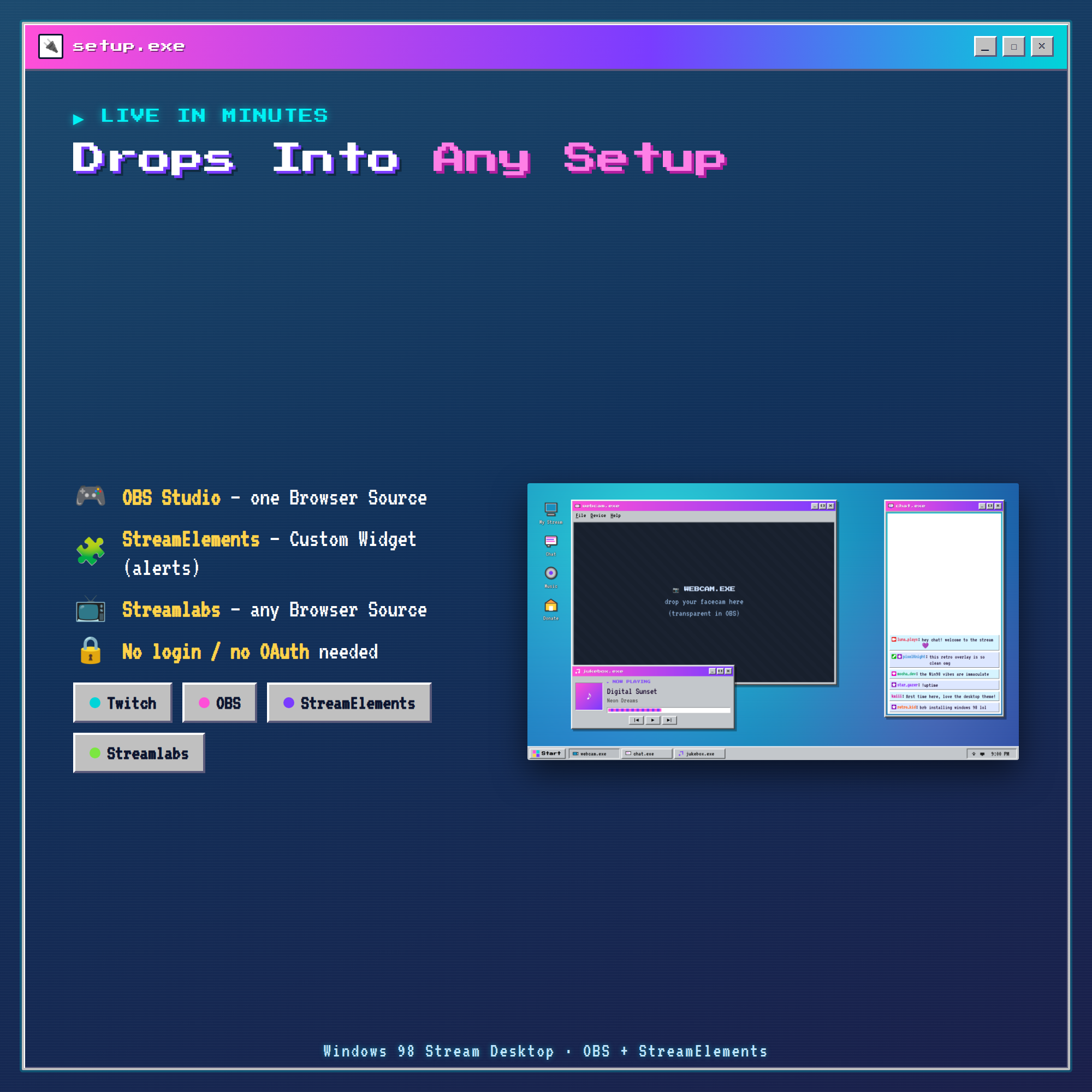
The chat window reads your Twitch chat anonymously and drops straight into an OBS Browser source — no account, no bot, no OAuth. Just paste one link. (Follower/sub/tip alerts use a free StreamElements widget — included.)
★ WHAT IT DOES ★
💬 Live chat — colors, role badges (mod / VIP / sub), emotes, auto-fade
🎵 Now playing — cover art, scrolling title, EQ + progress bar; auto-updates from Spotify / Snip!
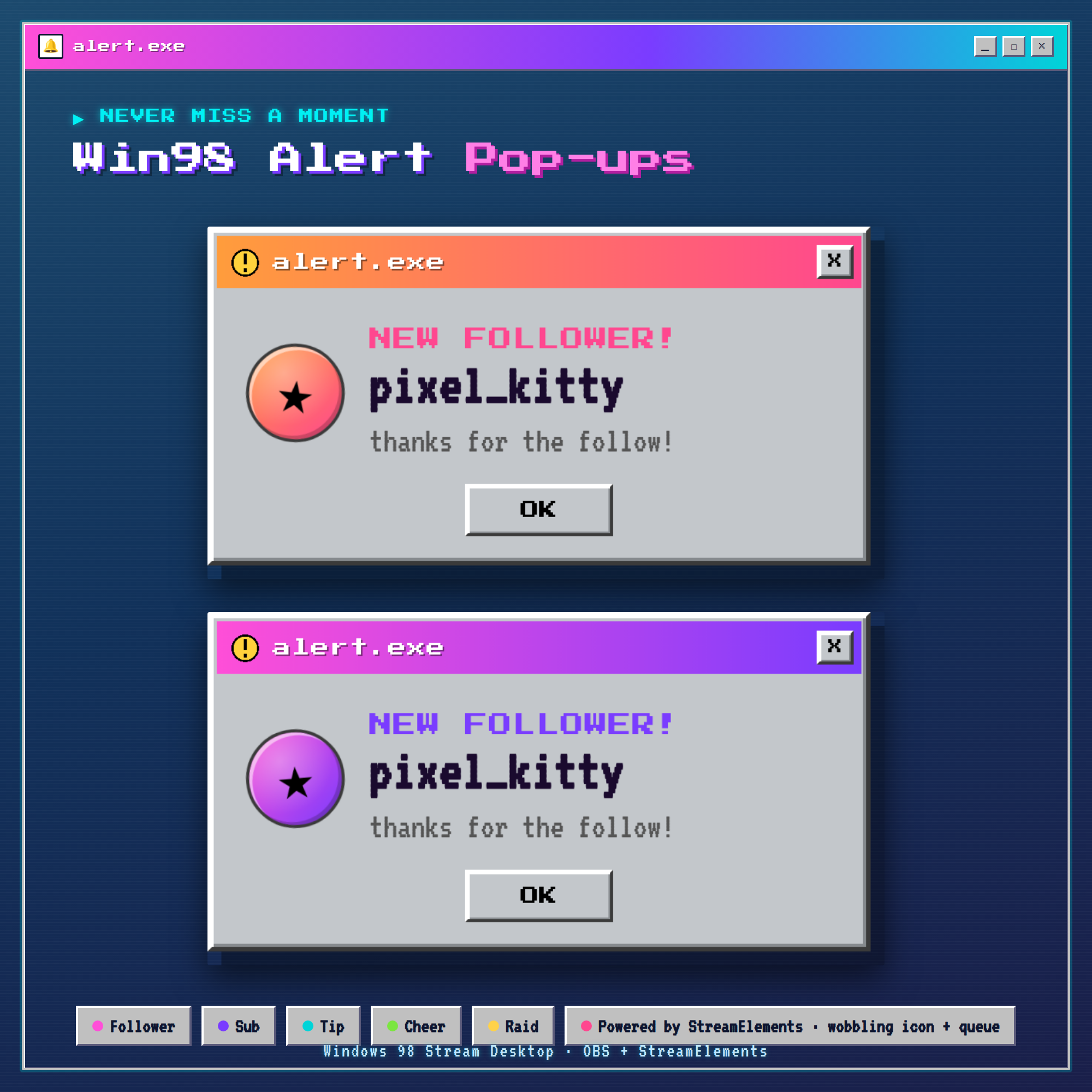
🔔 Retro alert pop-ups — follower 💜 sub ⭐ tip 💝 cheer 💎 raid 🚀 (via StreamElements)
🖥️ Webcam frame — a Win98 window around your camera
🕛 Working taskbar clock + window tabs for that authentic desktop feel
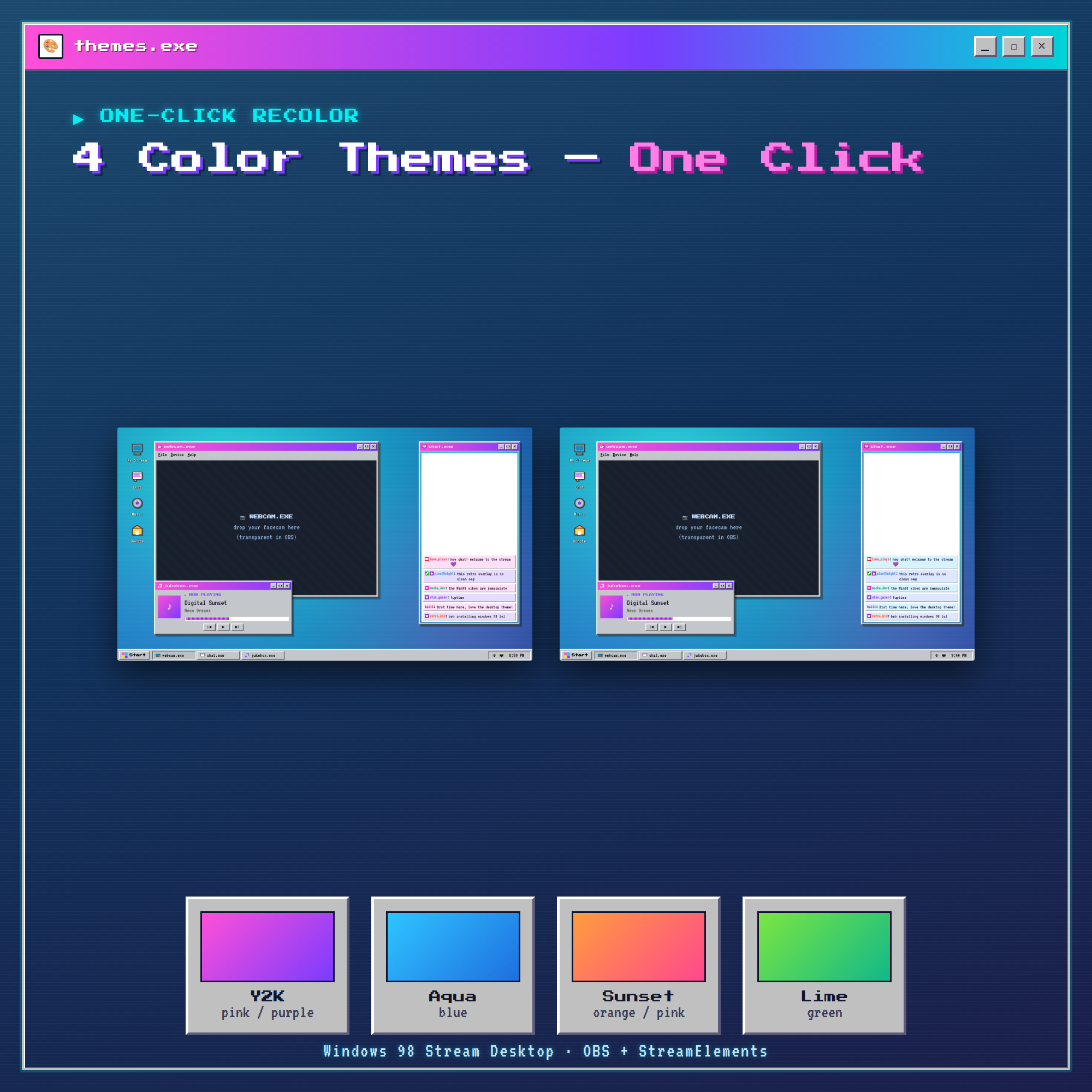
★ 4 COLOR THEMES — ONE CLICK ★
Y2K (pink + purple) · Aqua (blue) · Sunset (orange + pink) · Lime (green). Recolor to match your brand in seconds.
★ FULLY CUSTOMIZABLE (no coding) ★
✓ Theme + custom colors · ✓ window titles · ✓ message count · ✓ text size · ✓ badges/emotes on-off · ✓ hide ! commands · ✓ bot ignore list · ✓ alert duration · ✓ now-playing source. A friendly Settings page builds your OBS link for you with a live preview.
★ WHAT'S INCLUDED (instant download) ★
• desktop.html — the full retro-desktop overlay
• chat.html · nowplaying.html · alert.html — use the windows standalone too
• settings.html — easy control panel that builds your link
• Step-by-step Setup Guide (PDF) + README & docs
★ SUPER EASY SETUP (≈ 2 MIN) ★
1. Open the Settings page & type your Twitch username
2. Pick a theme
3. Copy your link into an OBS Browser source (1920×1080)
4. Add your camera behind the overlay — done! For alerts, paste the alert file into a free StreamElements Custom Widget (full steps in the PDF).
★ WORKS WITH ★
✓ OBS Studio · ✓ Streamlabs Desktop · ✓ StreamElements · any Browser Source. Internet needed for fonts + Twitch chat.
★ PLEASE NOTE ★
This is a DIGITAL DOWNLOAD for use in OBS — not a printable file or an app. Because it's instant digital, this item is non-refundable.
★ AI DISCLOSURE ★
Created with the help of AI tools as part of the design and development process. All code, visuals and animations were reviewed and tested for a production-quality overlay.
★ LICENSE ★
Single-buyer license for your own channel(s), including monetized streams. You may customize colors, themes, titles and layout. You may NOT resell, redistribute, share the source files, or include this in a stream-overlay pack you sell.
Questions or need a hand setting it up? Message me anytime — happy to help! 💜