About this widget
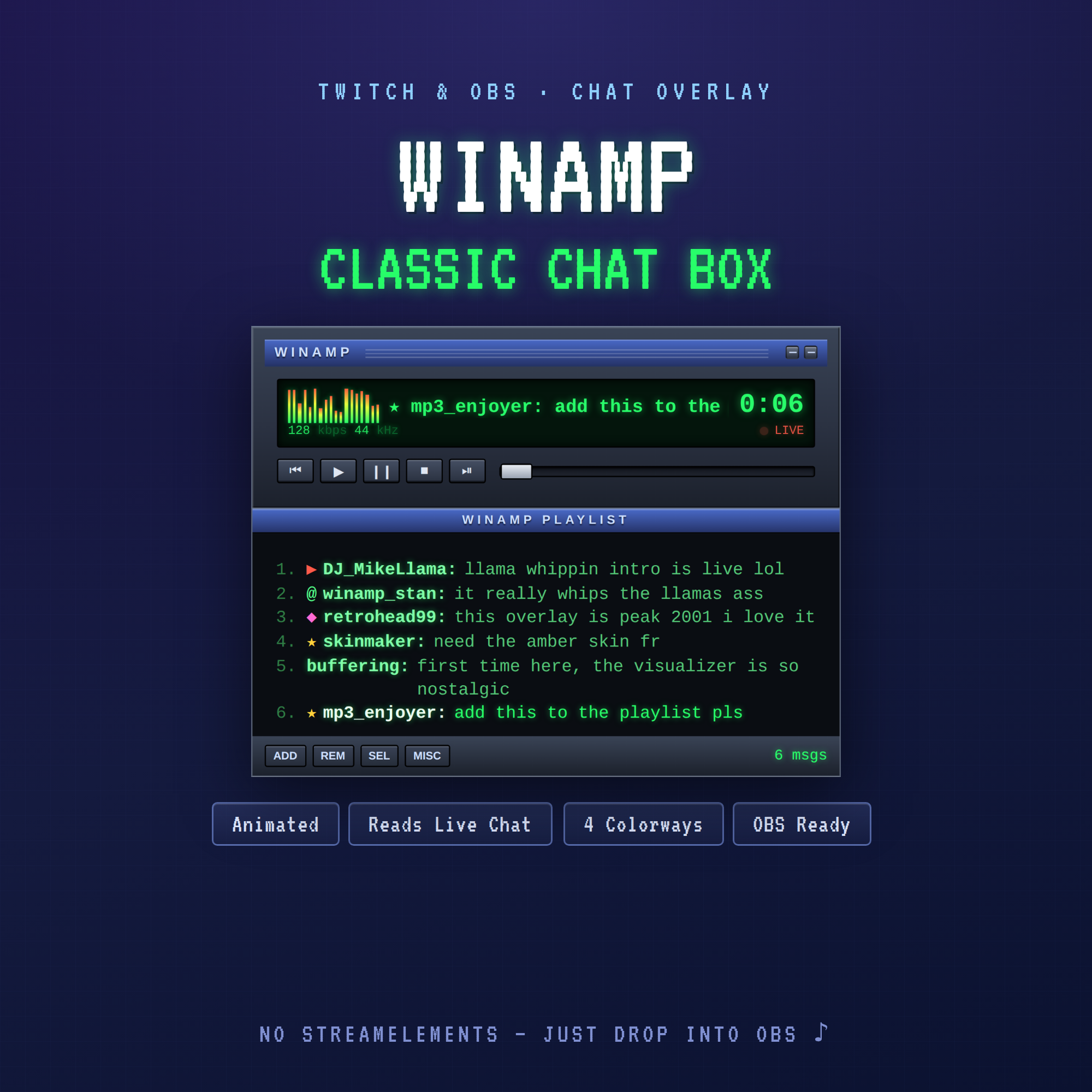
♪ WINAMP CLASSIC CHAT BOX ♪
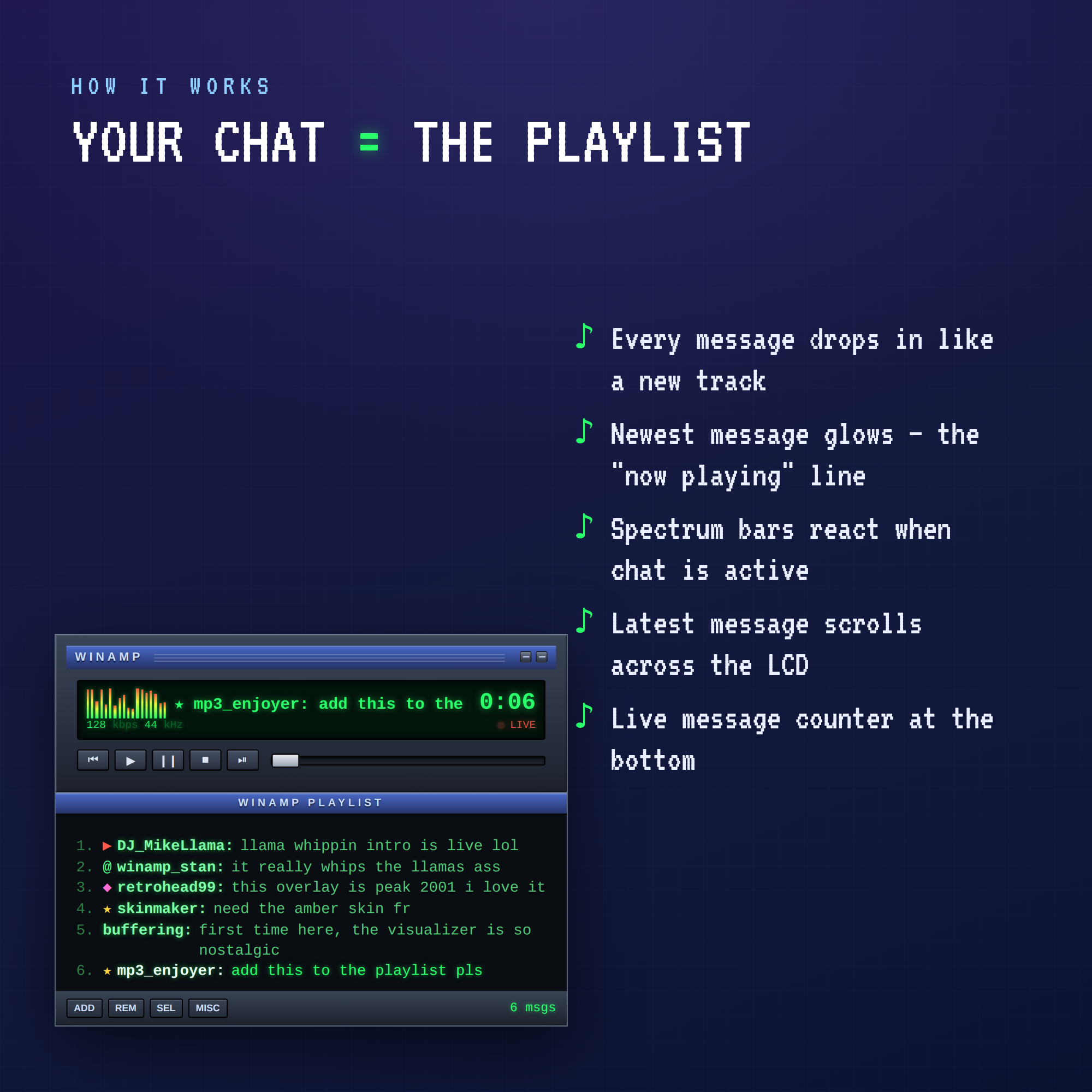
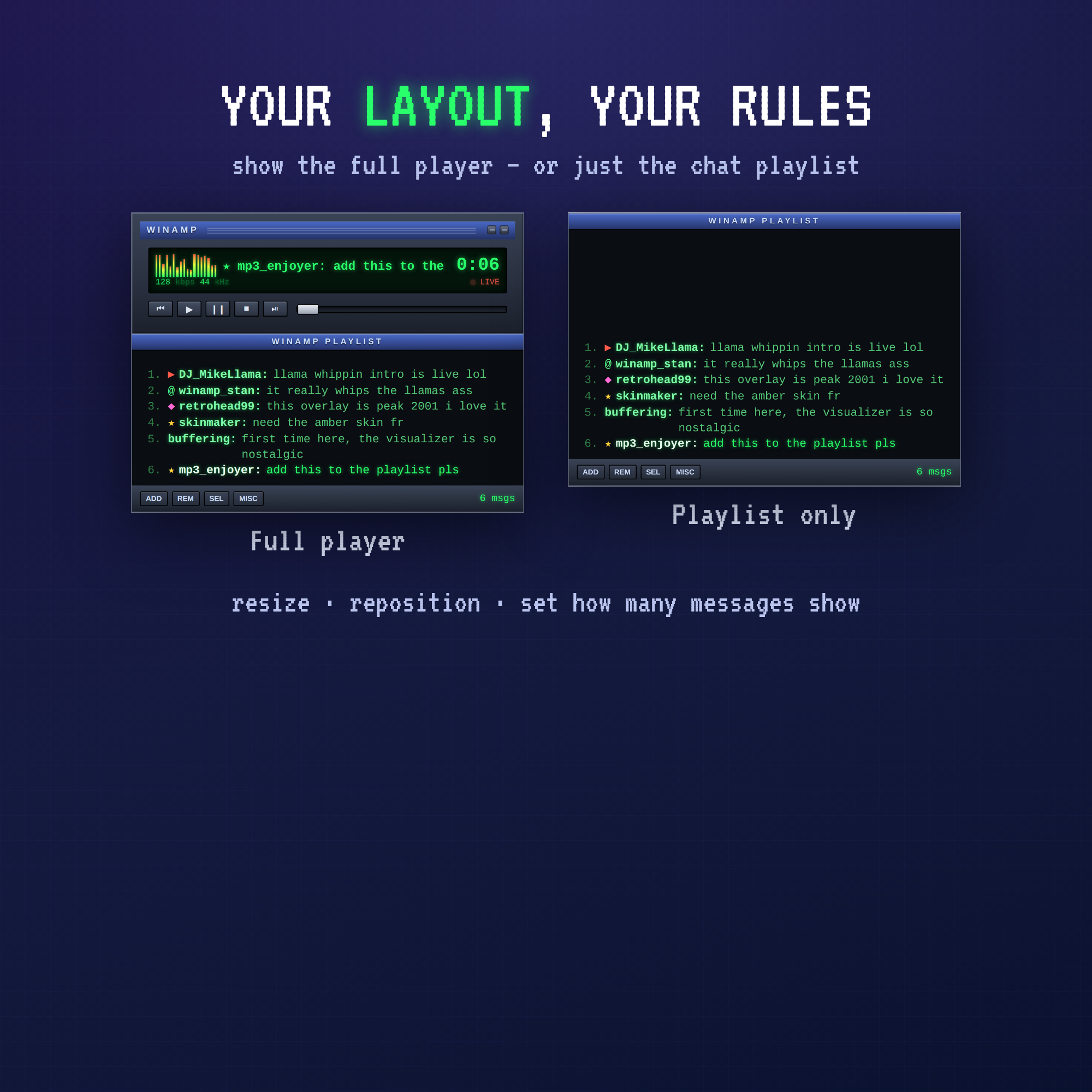
Bring that late-90s / early-2000s desktop nostalgia to your stream. Your Twitch chat shows up as a classic media-player playlist — every message drops in like a new track, the newest one glows like the "now playing" line, and the spectrum visualizer bounces when chat gets active.
WHAT IT DOES
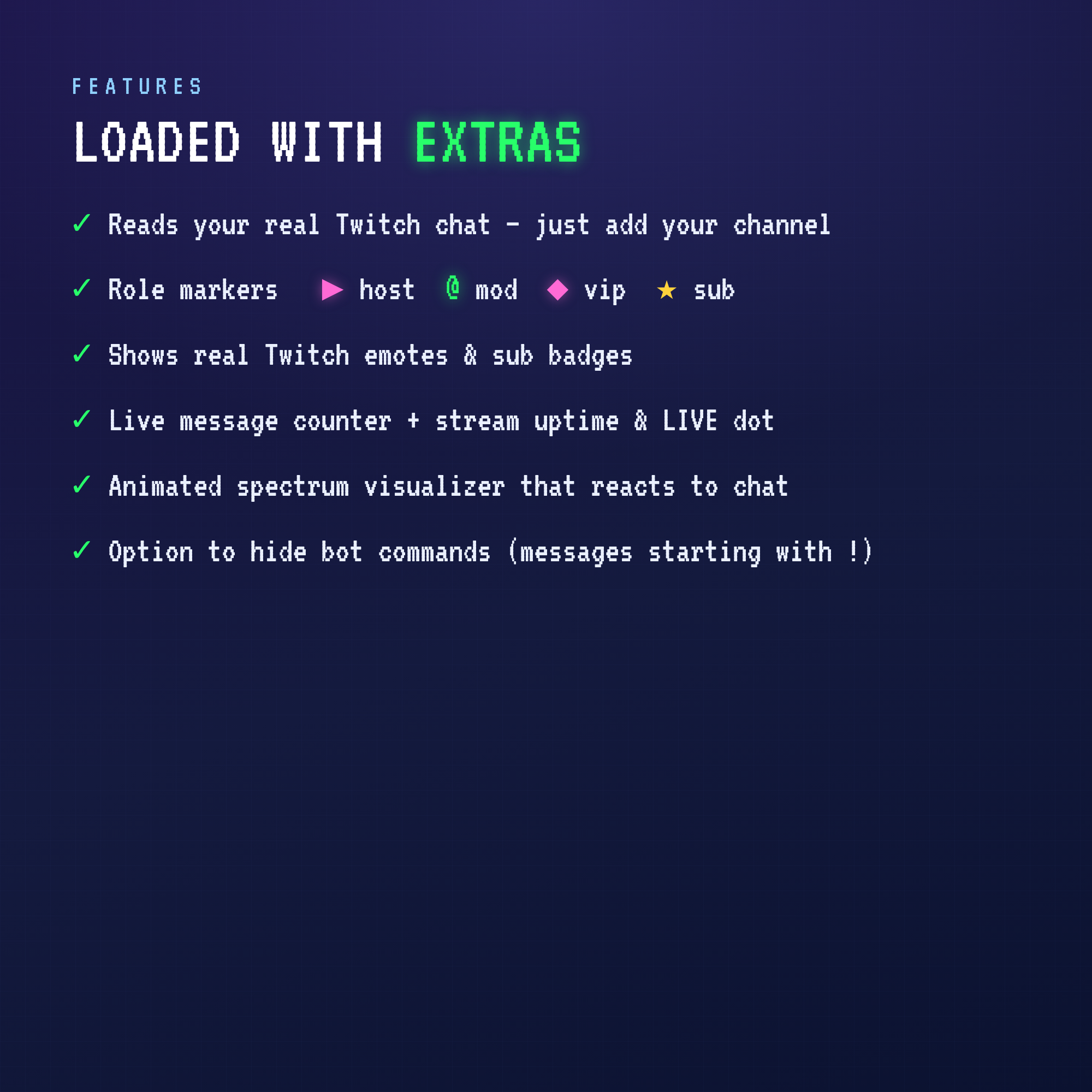
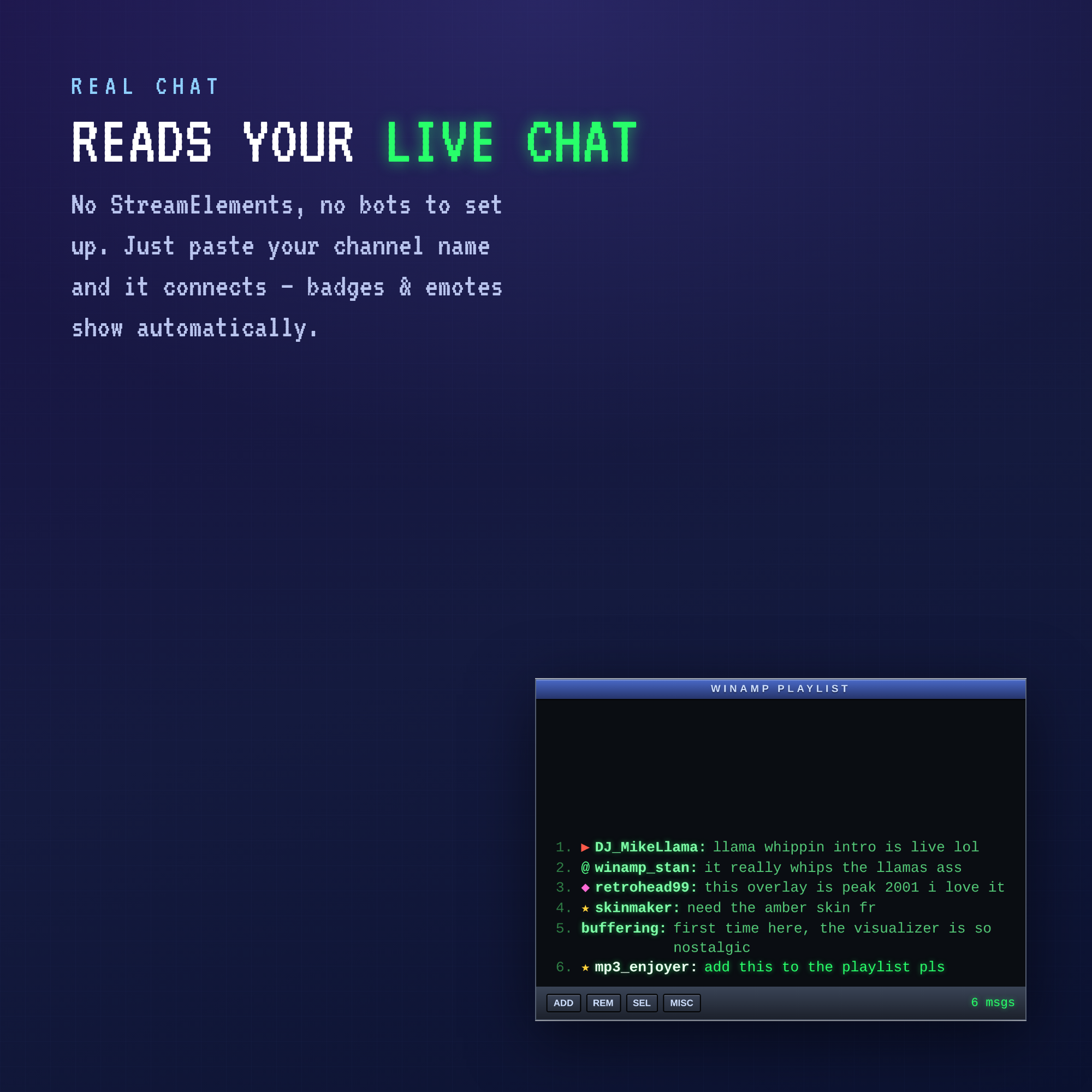
• Reads your real Twitch chat live — just add your channel name
• Chat appears as green playlist rows: 1. username: message
• Latest message scrolls across the LCD display up top
• Animated spectrum analyzer reacts to chat activity
• Live message counter + stream uptime & blinking LIVE dot
• Shows real Twitch emotes and sub / mod / vip badges
• Retro role markers — ▶ broadcaster @ mod ◆ vip ★ subscriber
WHAT YOU GET
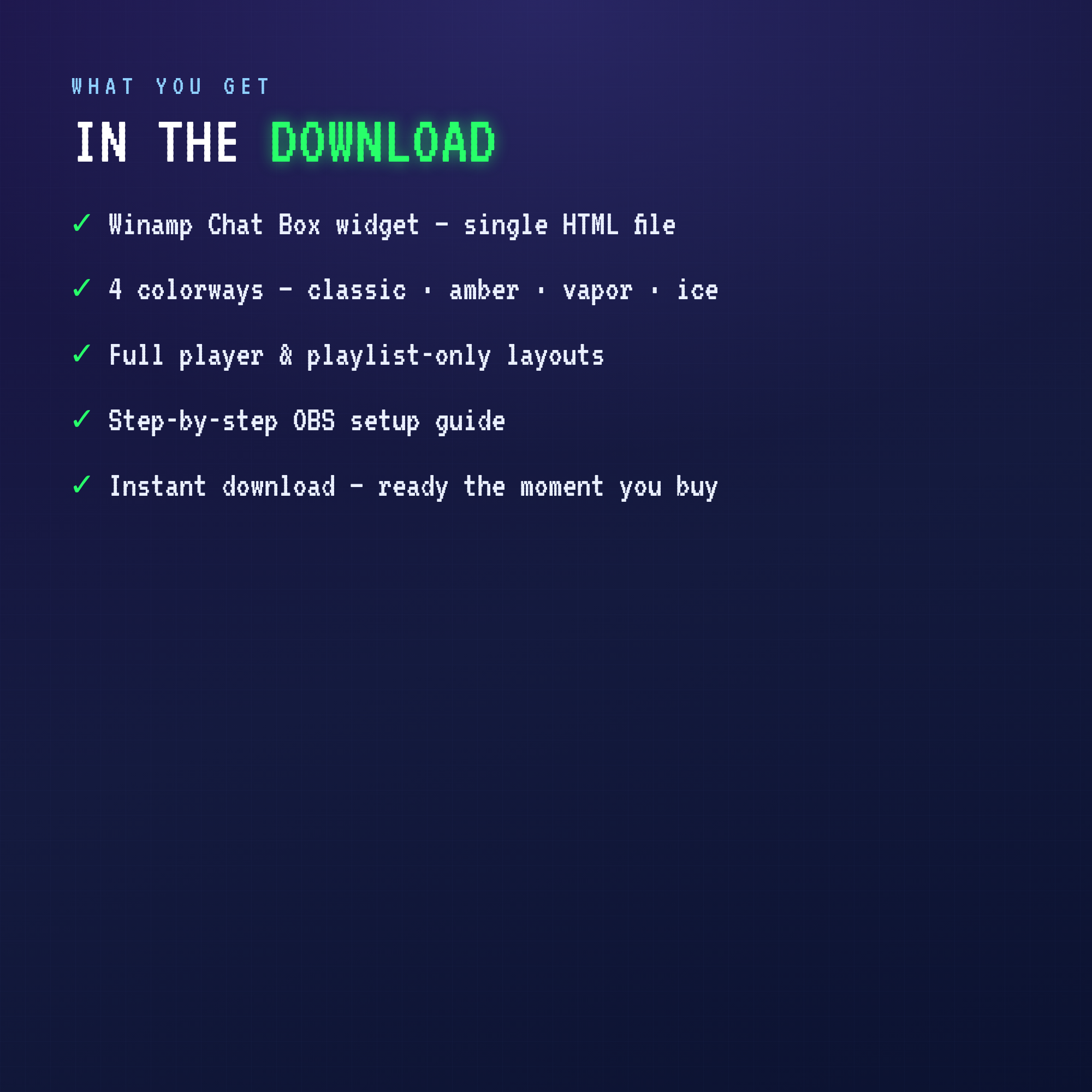
• Winamp Chat Box widget — one single HTML file
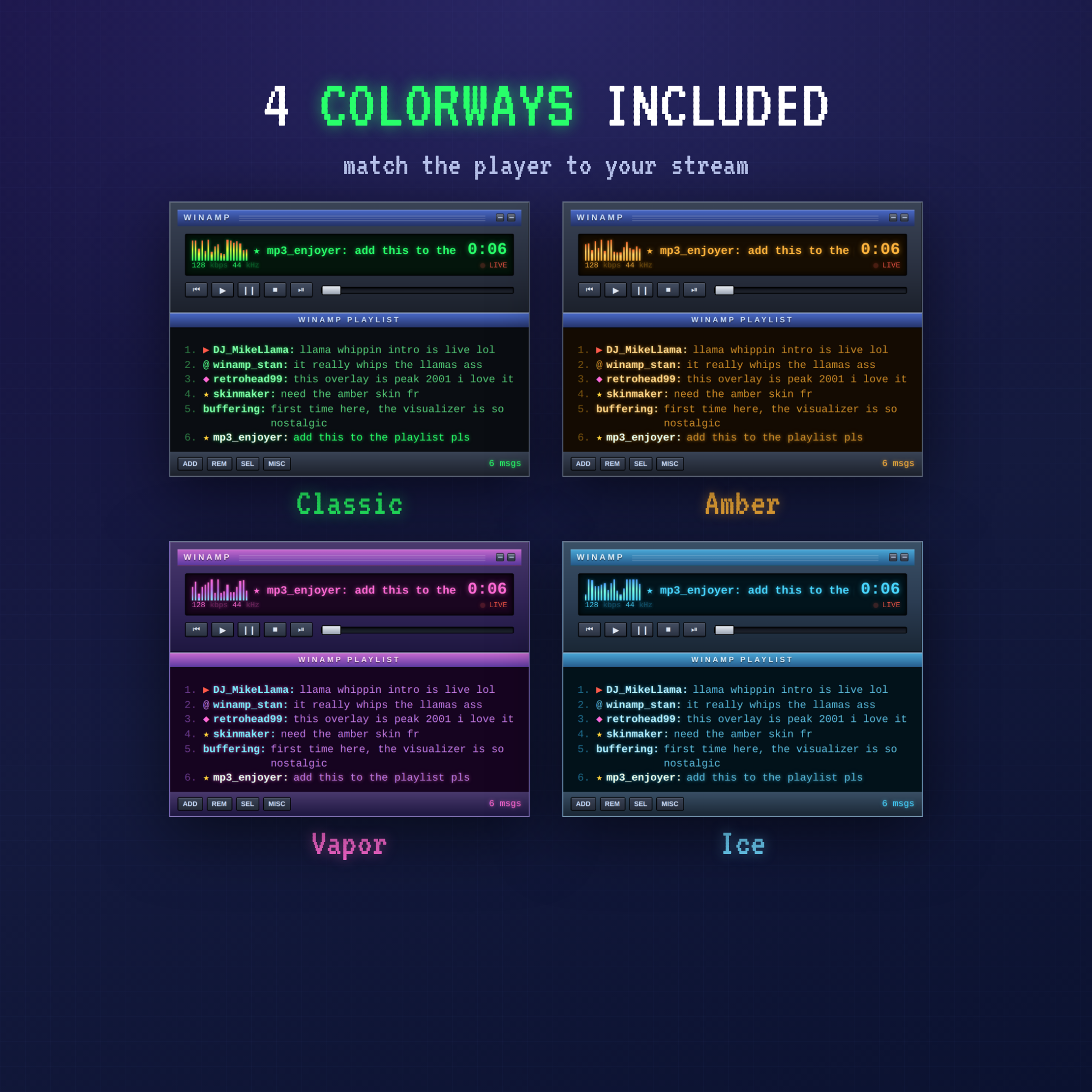
• 4 colorways — Classic (green), Amber, Vapor (purple/pink) & Ice (blue)
• Two layouts — full player + chat, or chat playlist only
• Step-by-step OBS setup guide
• Instant download
SUPER EASY SETUP
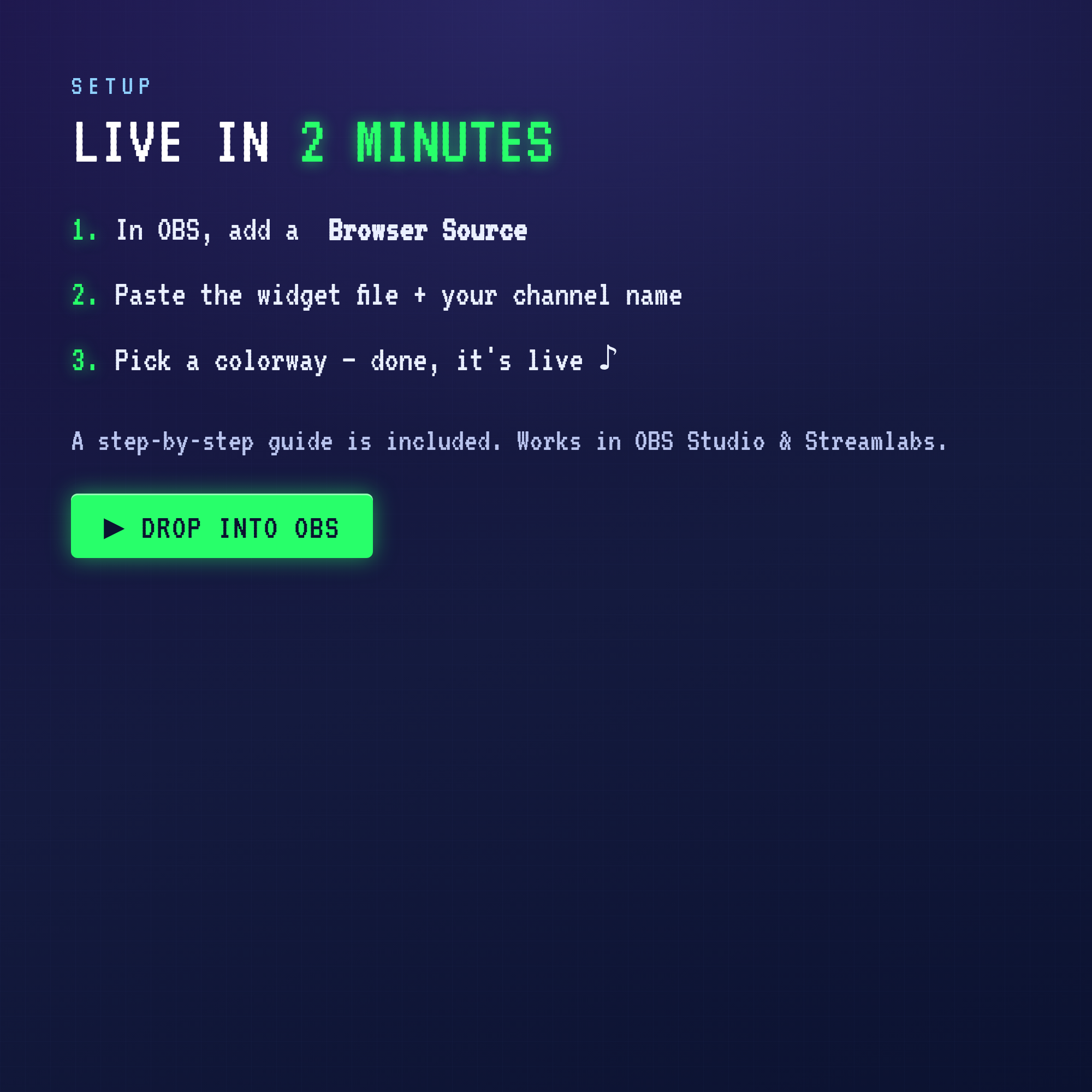
Open the file, type your Twitch username, pick a colorway, save — then drop it into OBS as a Browser Source. That's it. NO StreamElements, no bots, no accounts to link. Works in OBS Studio & Streamlabs with a clean transparent background.
⚠️ This is a DIGITAL product — no physical item will be shipped.
TERMS
For use on your own streaming channels. Please don't resell or redistribute the file. Thank you for supporting a small shop! ♪